Setting Passwords for Personal Boxes
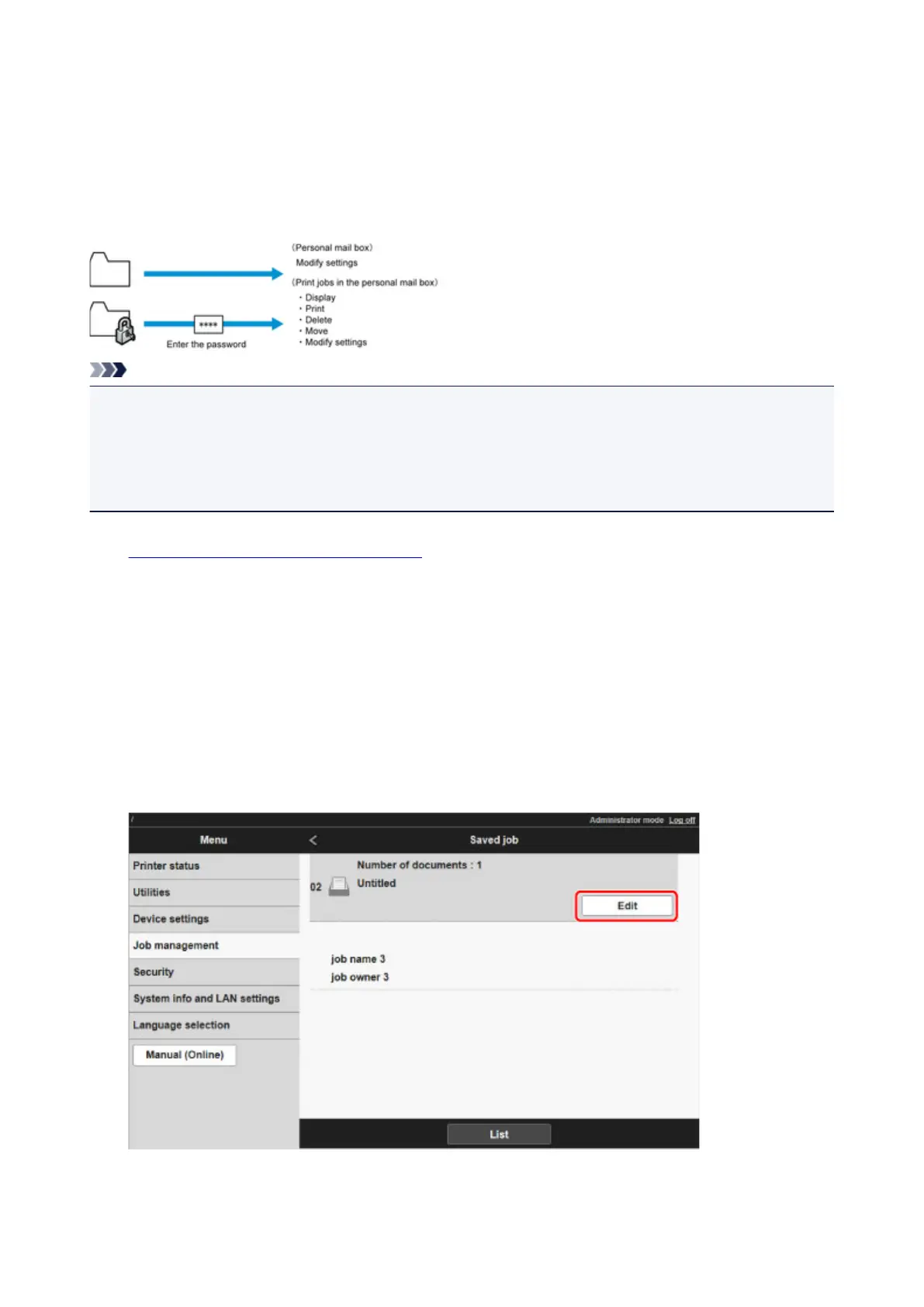
For greater security, you can specify a password for personal boxes. After you set a password, it will be
required to modify the personal box settings, as well as to display, print, delete, move, and modify jobs
saved in the personal box.
This operation is available using Remote UI.
Note
• By default, no passwords are set for personal boxes.
• A password cannot be set for the shared mailbox.
• Enter a four-digit number as the password, in the range 0001?9999.
• Even if you have set passwords, they are not required to access personal boxes in Administrator Mode
in Remote UI.
1.
Display printer status on web browser.
2.
On Menu page, select Job management.
3.
Select Saved job.
The saved job list appears.
4.
On Saved job page, select box.
5.
Select Edit.
671











 To Next Page