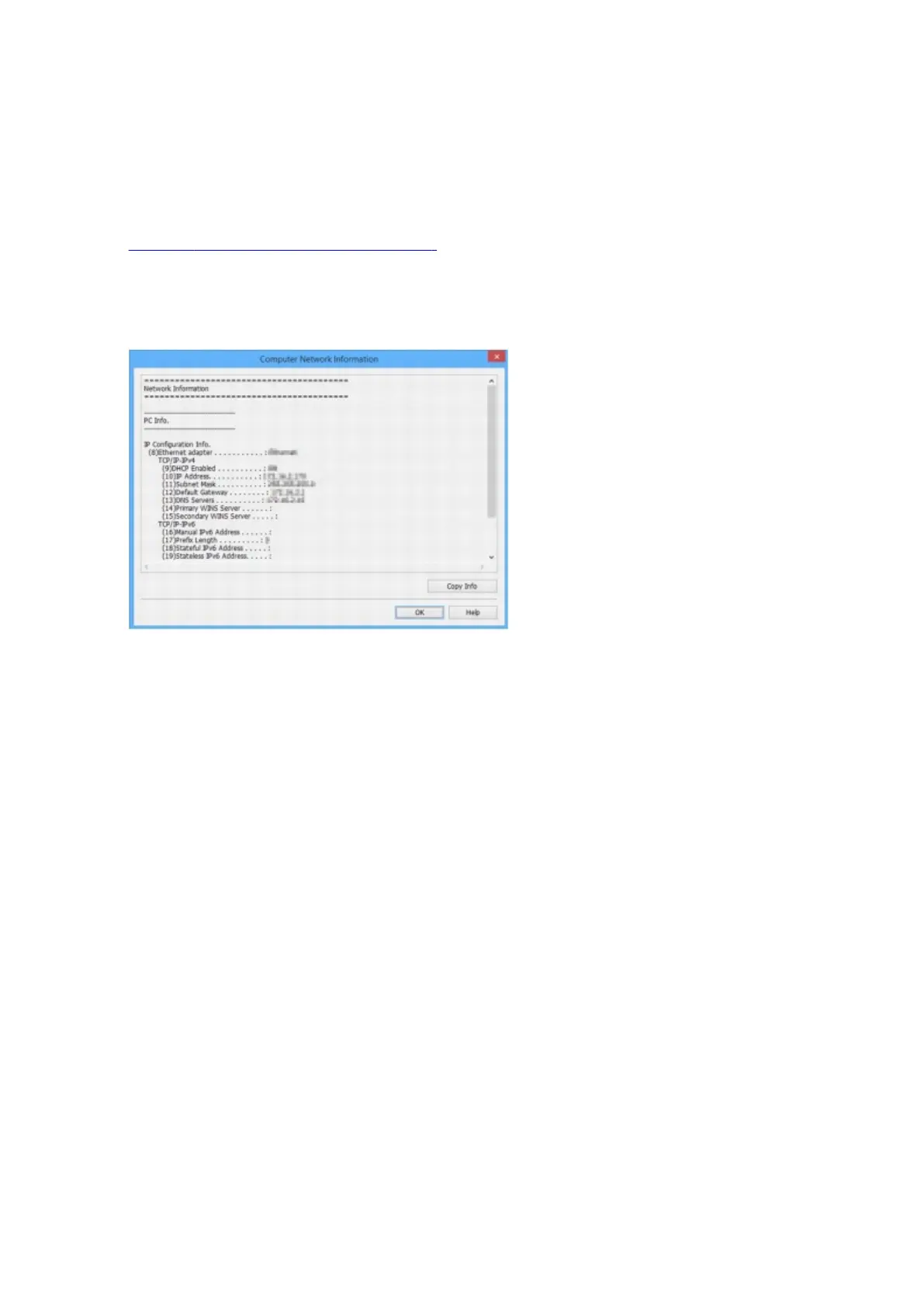
Displaying Computer Network Information
Follow the procedure below to display the network information of the computer which the printer selected in
the IJ Network Device Setup Utility screen connects to and on which IJ Network Device Setup Utility is
installed.
1. Start up IJ Network Device Setup Utility.
2.
Select Computer Network Information on View menu.
The screen below appears.
Clicking Copy Info copies all network information on the clipboard.
3.
Click OK to close screen.
276






 To Next Page