Keeping Track of the Amount of Roll Paper Left
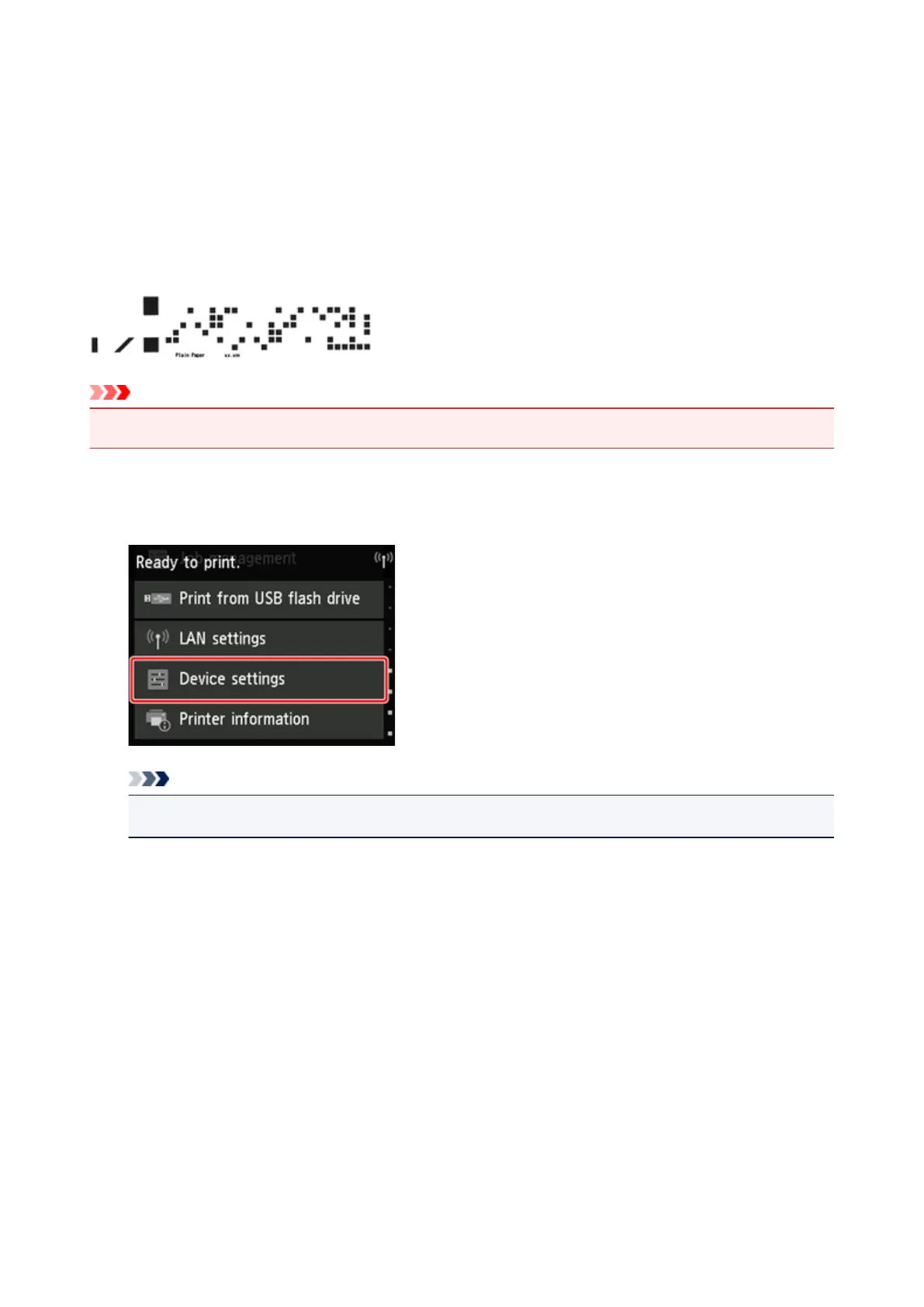
When you set Manage remaining roll amount to Enable in Device settings on the Home screen, the
amount of remaining roll paper and the media type information are printed as a barcode and text when the
paper is removed. When Manage remaining roll amount is set to Enable and you load roll paper with a
printed barcode, the media type and remaining amount are automatically detected after the roll paper is
loaded. The barcode will be cut off after it has been read.
Important
• If the barcode on the roll paper is not detected, enter the media type and length on the touch screen.
Follow the steps below when setting Manage remaining roll amount to Enable.
1.
Tap Device settings on Home screen of touch screen.
Note
• If the Home screen does not appear, tap the Home button.
2. Tap Paper-related settings.
3. Tap Manage remaining roll amount.
4. Tap Enable.
77











 To Next Page