Displaying the Print Results before Printing
You cannot use this function if you are using the XPS printer driver.
You can display and check the print result before printing.
The procedure for displaying the print result before printing is as follows:
1.
Open the printer driver setup window
2.
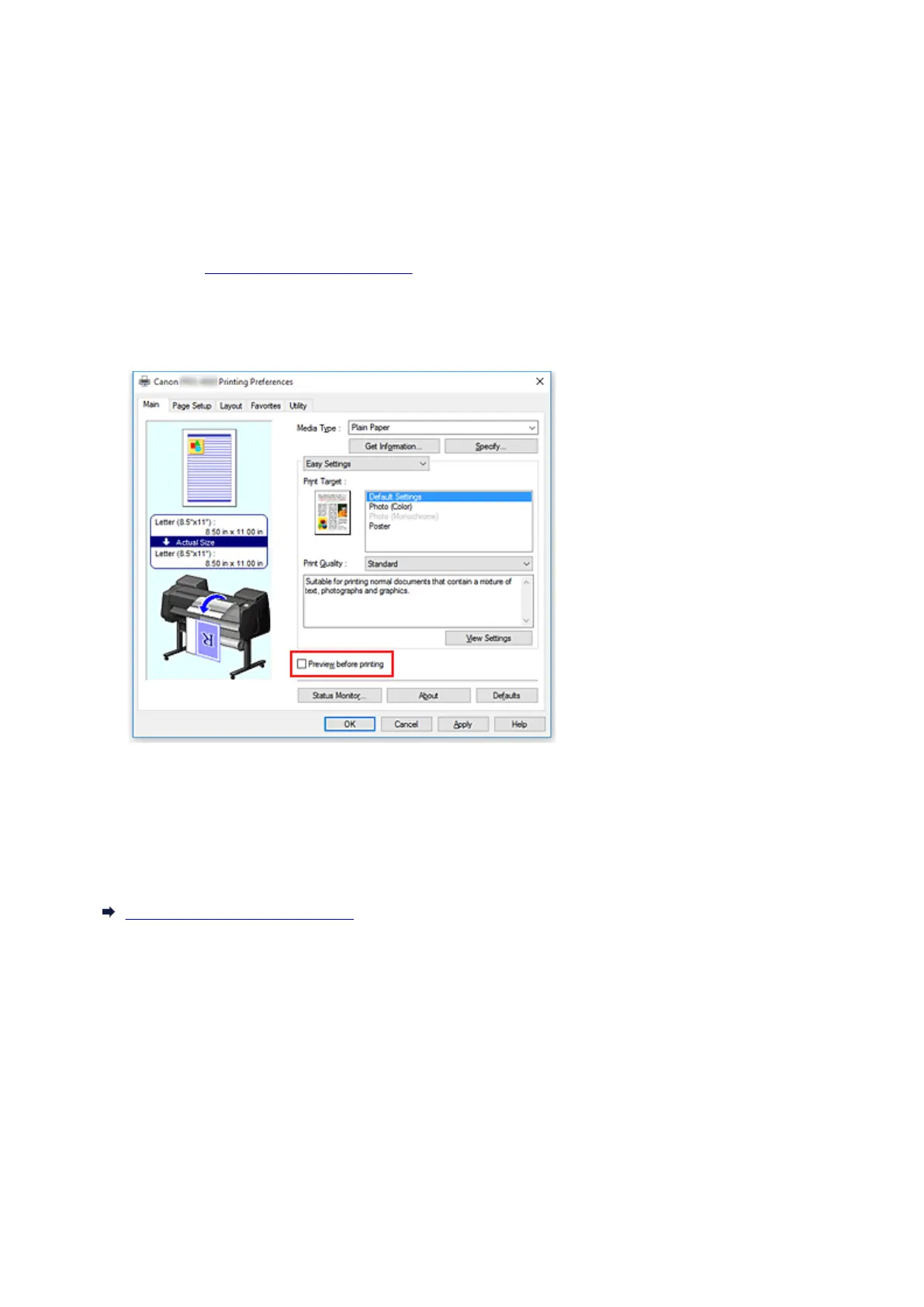
Set the preview
Check the Preview before printing check box on the Main tab.
3.
Complete the setup
Click OK.
When you execute print, theCanon imagePROGRAF Preview opens and displays the print results.
Related Topic
Canon imagePROGRAF Preview
565











 To Next Page