Enhanced Printing Options
Printing from Your Computer (Windows)
Printing with Easy Setup Basics
Changing the Type of Paper
Setting the Number of Copies and Printing Order
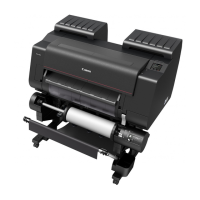
Using Roll Unit to Use 2-Level Rolls
About 2-Level Roll Switching
Setting the Paper Rolls in the Printer According to the Intended Use
Printing by Automatically Switching Upper-level and Lower-level Roll Papers
How to Switch Paper Rolls
Reflect Roll Unit Settings in the Printer Driver
Printing Photos and Business Documents
Printing By Setting Print Purpose
Edit in PosterArtist and Print
Changing the Print Quality and Correcting Image Data
Adjusting Color Balance
Setting the Print Quality Level (Custom)
Printing a Color Document in Monochrome
Adjusting Tone
Specifying Color Correction
Optimal Photo Printing of Image Data
Adjusting Colors with the Printer Driver
Printing with ICC Profiles
Interpreting the ICC Profile
Adjusting Brightness
Adjusting Contrast
Printing Using Detailed Setting Mode
Scaled Printing
Printing to Oversized Paper Sizes
456






 To Next Page