Checking the Ink Status from Your Computer
You can check the remaining ink level and the ink tank types for your model.
1. Open the printer driver setup window
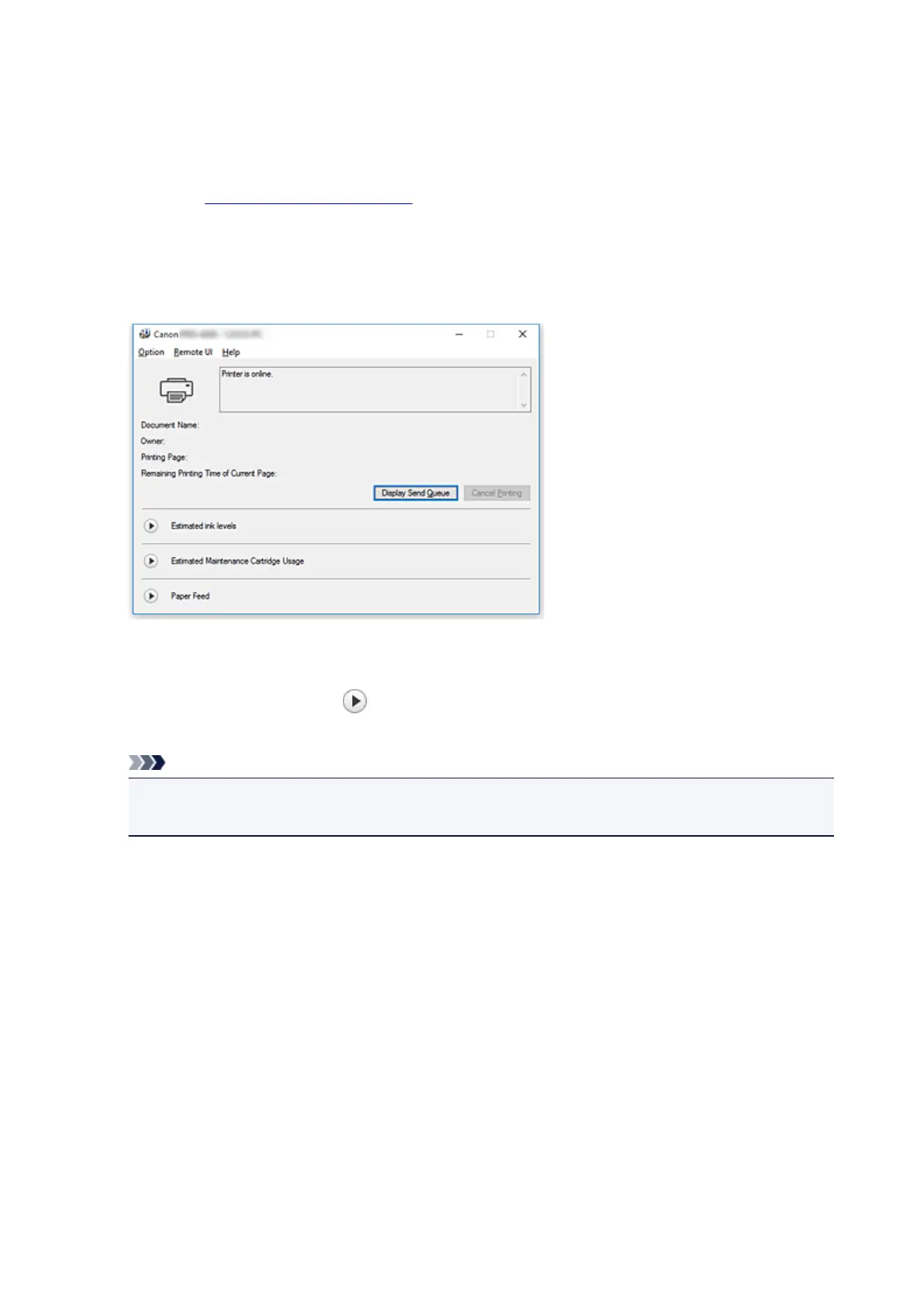
2. Launching the Canon IJ Status Monitor
On the Main tab, click Status Monitor....
The Canon IJ Status Monitor opens.
3.
Display Estimated ink levels
For Estimated ink levels, click (the disclosure triangle) to display an image representation of the ink
status.
Note
• The information displayed on the Canon IJ Status Monitor may differ depending on the country or
region where you are using your printer.
604











 To Next Page