Checking Ink Tank Levels
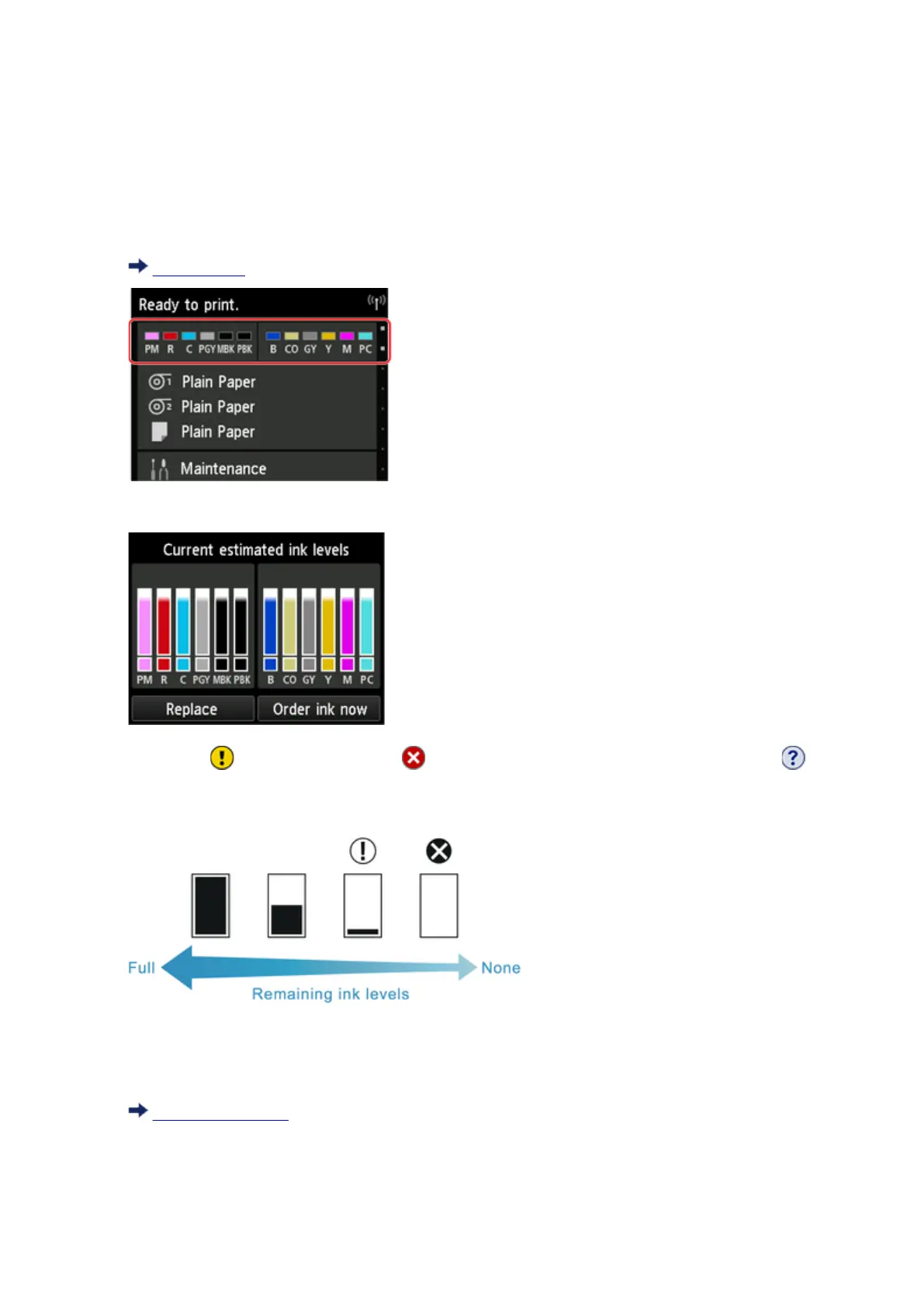
On the touch screen, you can check how much ink is left in the ink tank.
1. Tap ink display area on Home screen.
Touch Screen
The Current estimated ink levels screen appears.
If ink is low, appears; if no ink is left, appears; if you have deactivated ink level detection,
appears.
The remaining ink level is indicated as shown below.
If the touch screen indicates to replace the ink tank, replace the ink tank. If a message is displayed
indicating to check the remaining ink levels, or after tasks that consume a lot of ink such as large-format
printing or head cleaning, check the remaining levels and replace ink tank as needed.
Replacing Ink Tanks
352











 To Next Page