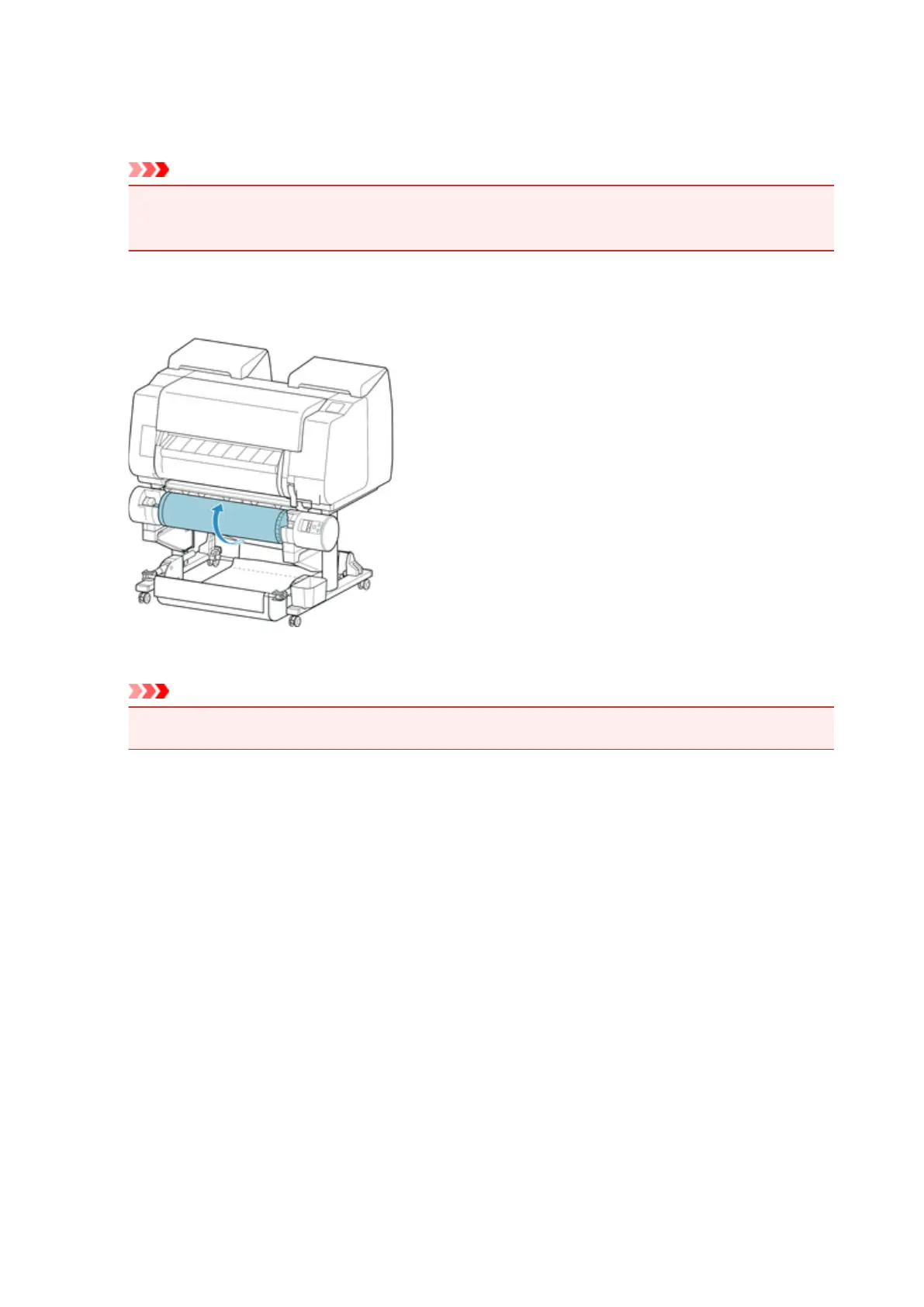
6. Hold printed paper between output guide and roll unit, then tap Yes.
The roll is now cut.
Important
• When cutting the roll paper, always hold the printed paper. If cut without holding the printed paper,
the paper may fall to the floor and become soiled.
7. While holding trailing edge of printed paper, press Take-up or Rewind button to wind
printed paper.
Apply adhesive tape to the rewound paper to hold it in place, if necessary.
Important
• Be careful not to scratch the printed surface.
8.
Change Roll Holder Lock switch on roll unit to release side.
131






 To Next Page