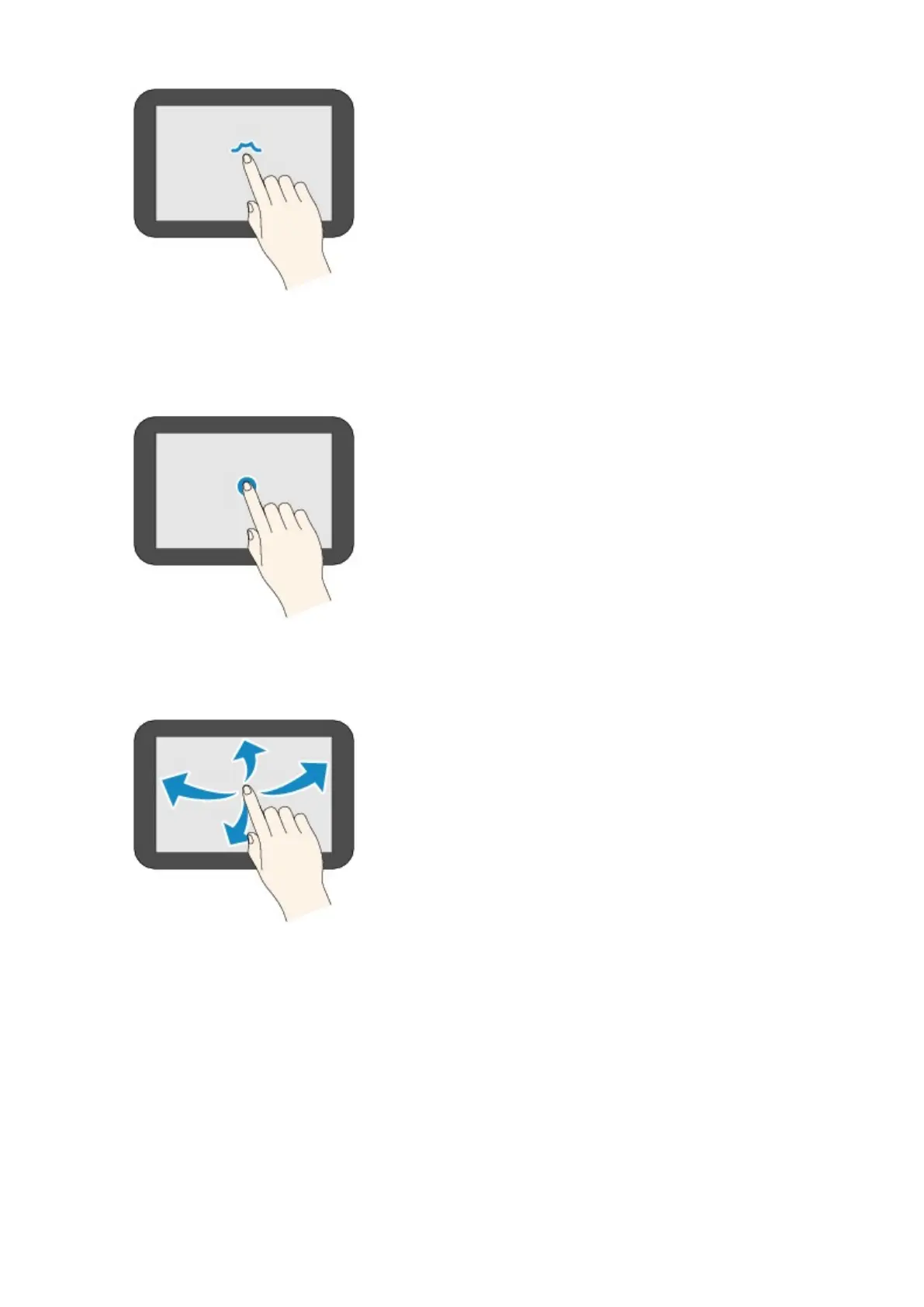
• Touch
Touch with your fingertip, pressing lightly.
Keep touching the "next" (or "back") icon to move forward or back through menus or a list
continuously, for example.
• Flick
Flick up, down, left, or right on the screen with your finger.
Flick to move forward or back through menus or a list, for example.
• Drag
While lightly touching the screen, move your finger up, down, left, or right.
Drag to move listed items or a list while viewing them, for example.
146


 To Next Page
 Loading...








