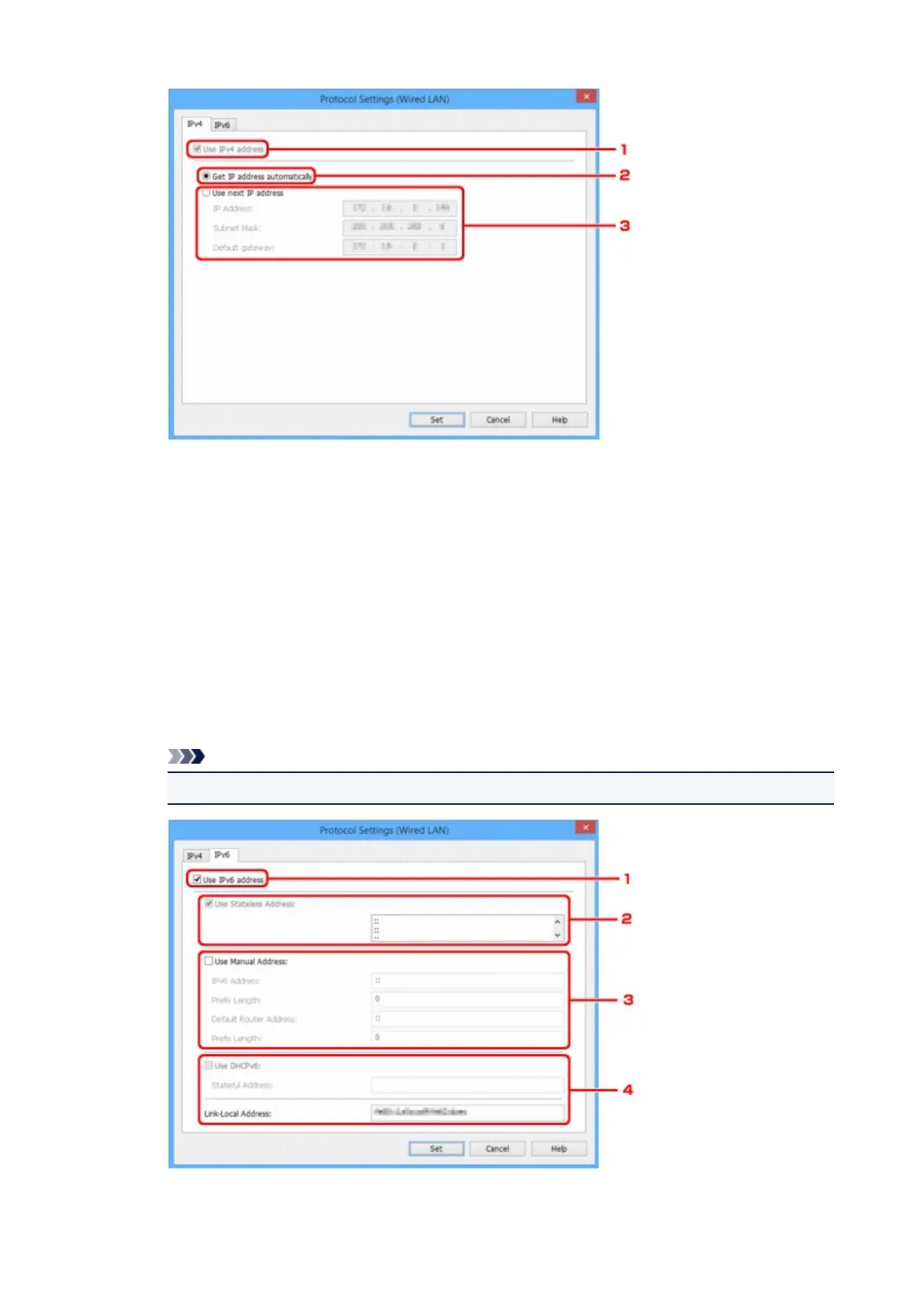
1. Use IPv4 address
Always selected. (displayed in a gray out state)
2. Get IP address automatically
Select this option to use an IP address automatically assigned by a DHCP server. DHCP
server functionality must be enabled on your router.
3. Use next IP address
Select this option if no DHCP server functionality is available in your setup where you use the
printer, or you want to use a fixed IP address.
Enter the IP address, subnet mask, and default gateway.
• IPv6 settings
Note
• If USB is selected from the pulldown menu on the toolbar, you cannot perform IPv6 settings.
261











 To Next Page