Loading ink tank (5.4 fl oz (160 ml) / 11.2 fl oz (330 ml))
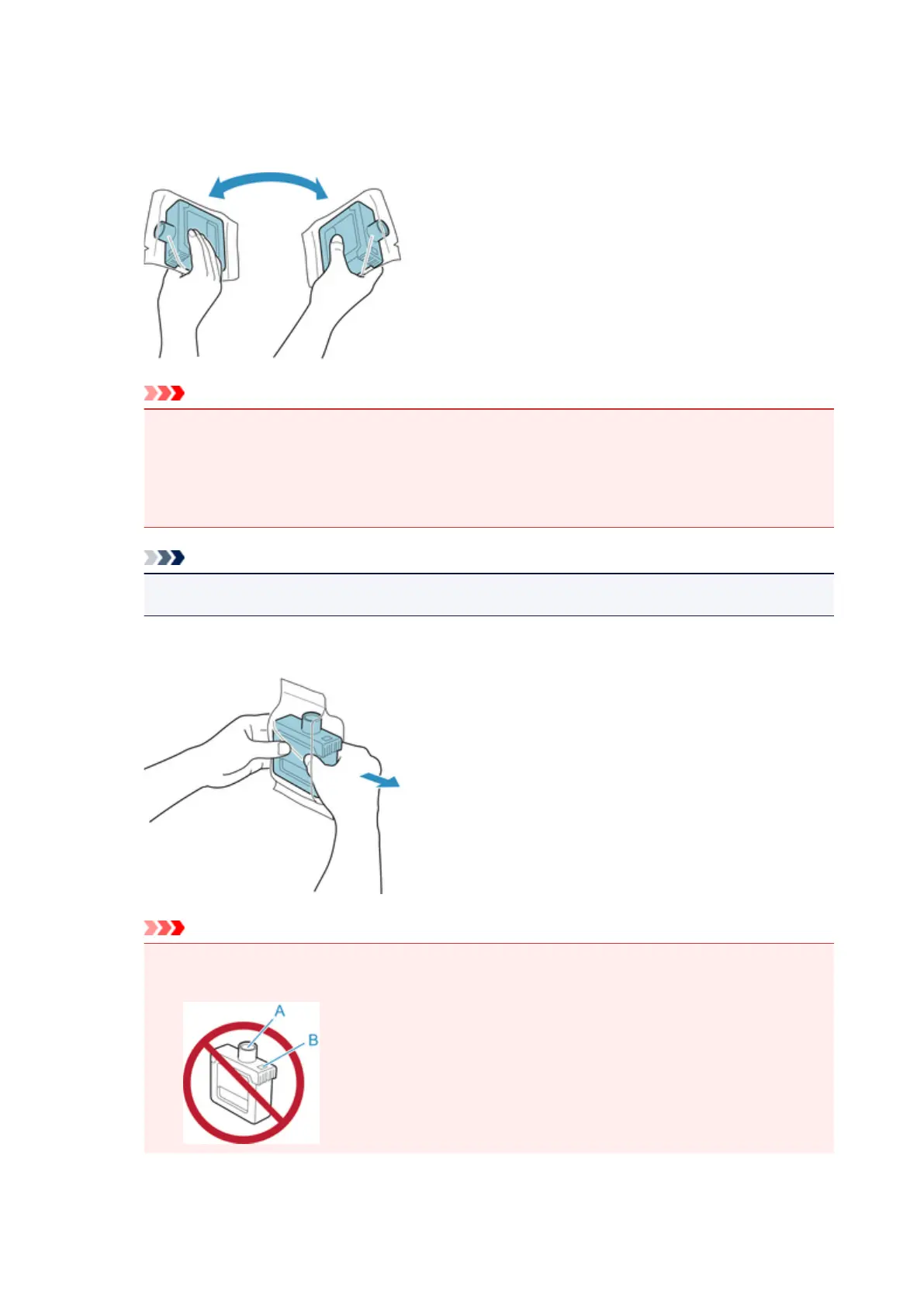
1. Before opening the pouch, tilt the ink tank to the left and right gently seven or eight times.
Important
•
Do not remove and agitate an ink tank that has already been installed in the printer. Ink may
leak out.
•
Failure to agitate the ink tank may cause the ink components to precipitate and may affect
printing quality.
Note
• If the ink tank is at a low temperature, allow it to warm up to room temperature before installing.
2.
Open the pouch and remove the ink tank.
Important
•
Never touch the ink holes (A) or the metal contacts (B). This may cause stains, damage the ink
tank, and affect printing quality.
345











 To Next Page