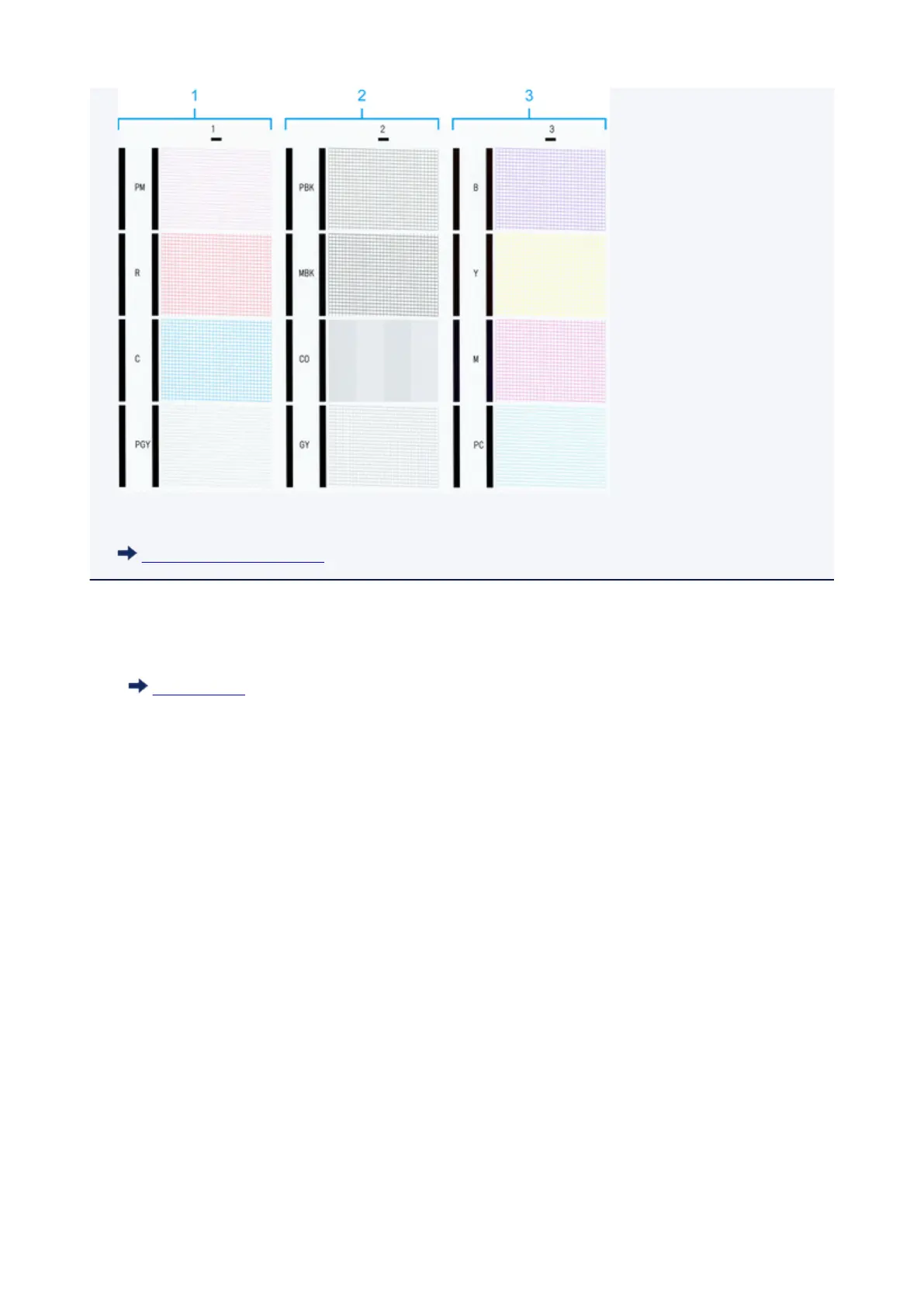
• By default, nozzles are checked at fixed intervals.
Auto maintenance settings
Perform cleaning as follows.
1.
Flick Home screen and tap Maintenance.
Touch Screen
The Maintenance screen appears.
2.
Tap Print head cleaning.
3.
Select and tap Cleaning, Deep cleaning, or System cleaning.
4.
Select and tap the ink group to be cleaned.
•
All colors
•
Pattern 1:PM/R/C/PGY
•
Pattern 2:PBK/MBK/CO/GY
•
Pattern 3:B/Y/M/PC
A confirmation message appears.
5. Tap Yes.
Head cleaning is now executed.
360











 To Next Page