Important
• Always put the used maintenance cartridge back in the box and store the box on a flat surface.
Note
• Dispose of the used maintenance cartridge in accordance with local regulations.
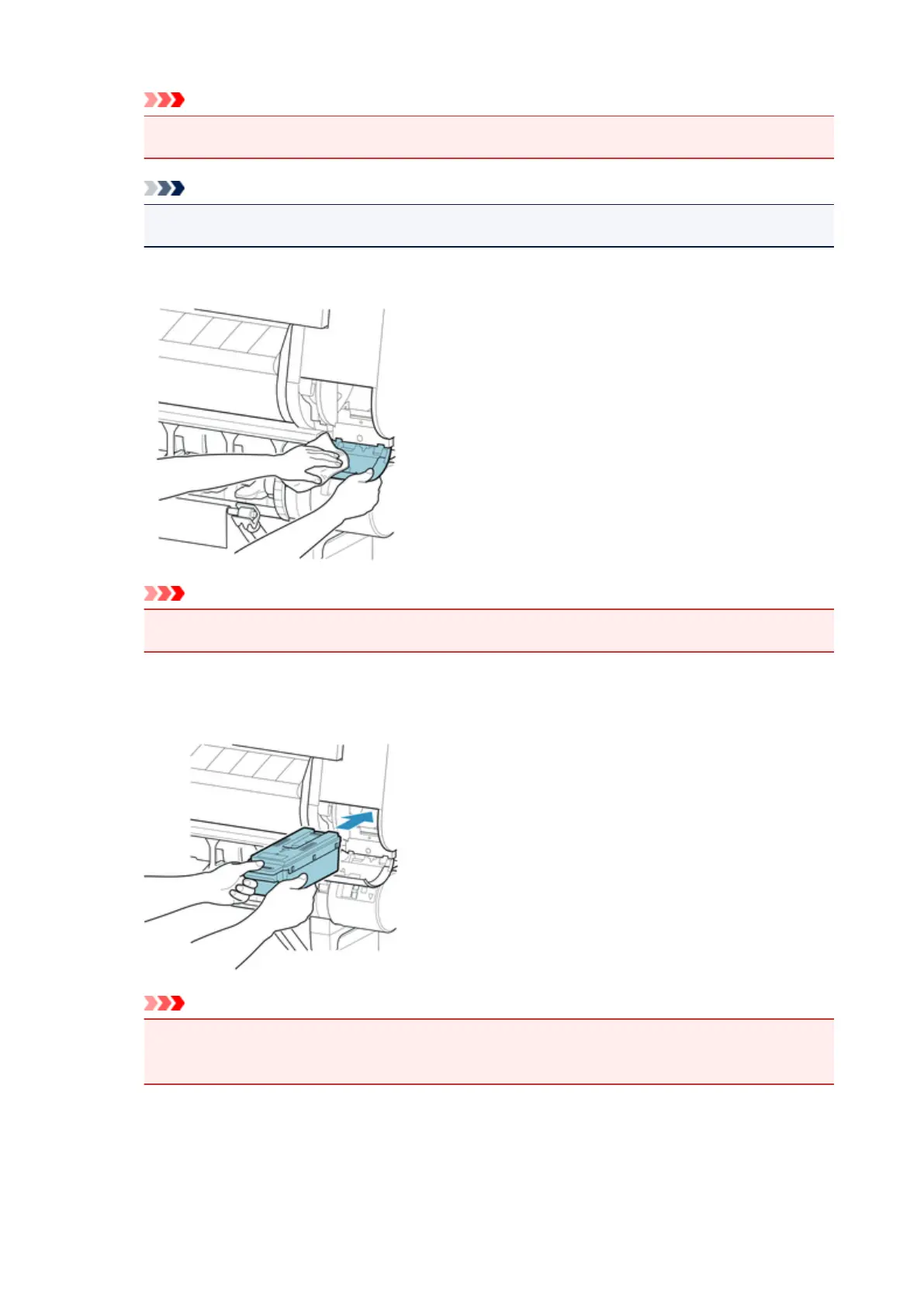
6. Wipe away any soiling on the maintenance cartridge cover.
Important
•
Support the maintenance cartridge cover from underneath as you wipe it.
7.
Keeping the new maintenance cartridge level, insert it all the way in.
The maintenance cartridge is initialized.
Important
•
Do not remove the maintenance cartridge during initialization immediately after replacing the
maintenance cartridge. The maintenance cartridge may become damaged.
8. Close maintenance cartridge cover.
375






 To Next Page