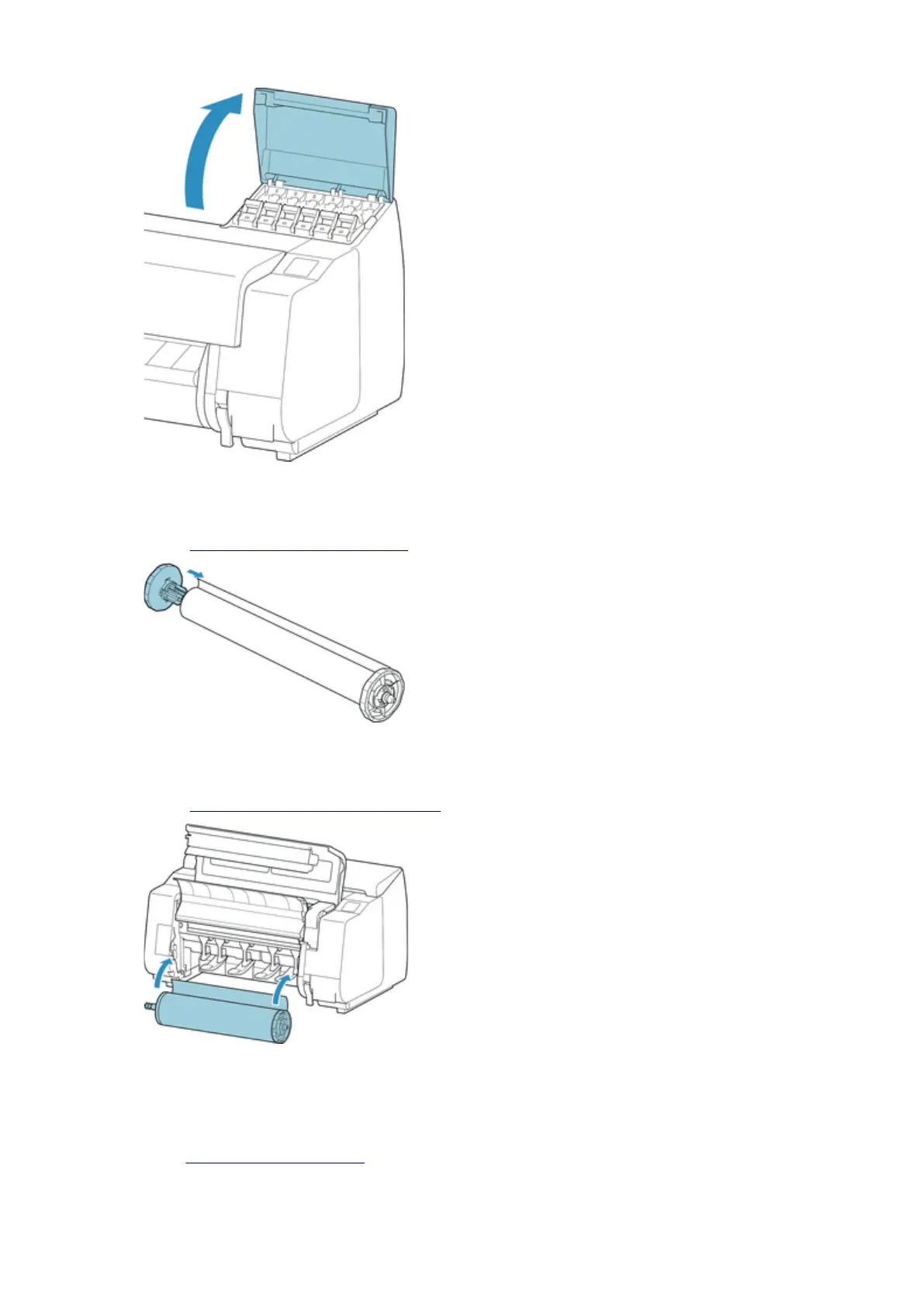
9.
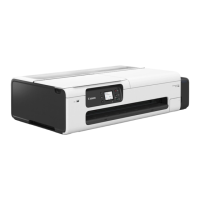
Attach the Roll Holder to the Roll Media.
(See "Loading Rolls on the Roll Holder.")
10.
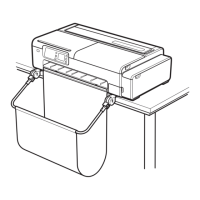
Load the Roll Media in the printer.
(See "Loading the Upper Roll on the Printer.")
11. Install the software.
Note that the driver installation procedure varies depending on the type of connection.
(See "
Installing the Printer Driver" (Windows).)
406





 To Next Page