2. Flick HOME screen and tap Job management.
Menu Operations
3. Tap Print job.
4.
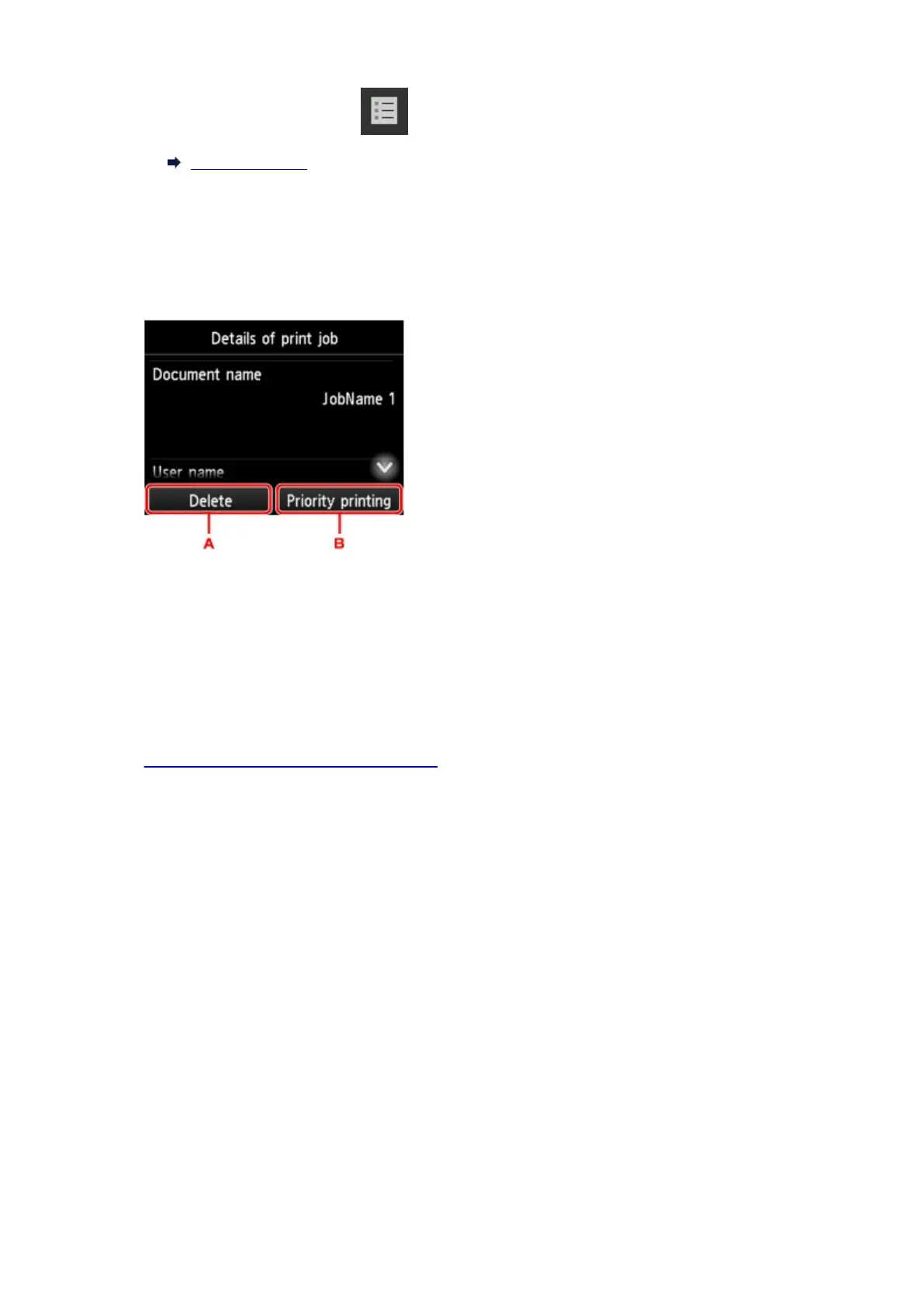
Tap data to delete or perform preempt printing.
The screen below appears.
A. Tap to delete data.
B. Tap to perform preempt printing.
5.
Check message that is displayed and tap Yes.
Using Remote UI
1.
Display printer status on web browser.
2.
On Menu page, select Job management.
3.
Select Print job.
The print job list appears.
4. Select print job and select Delete or Prioritize.
653











 To Next Page