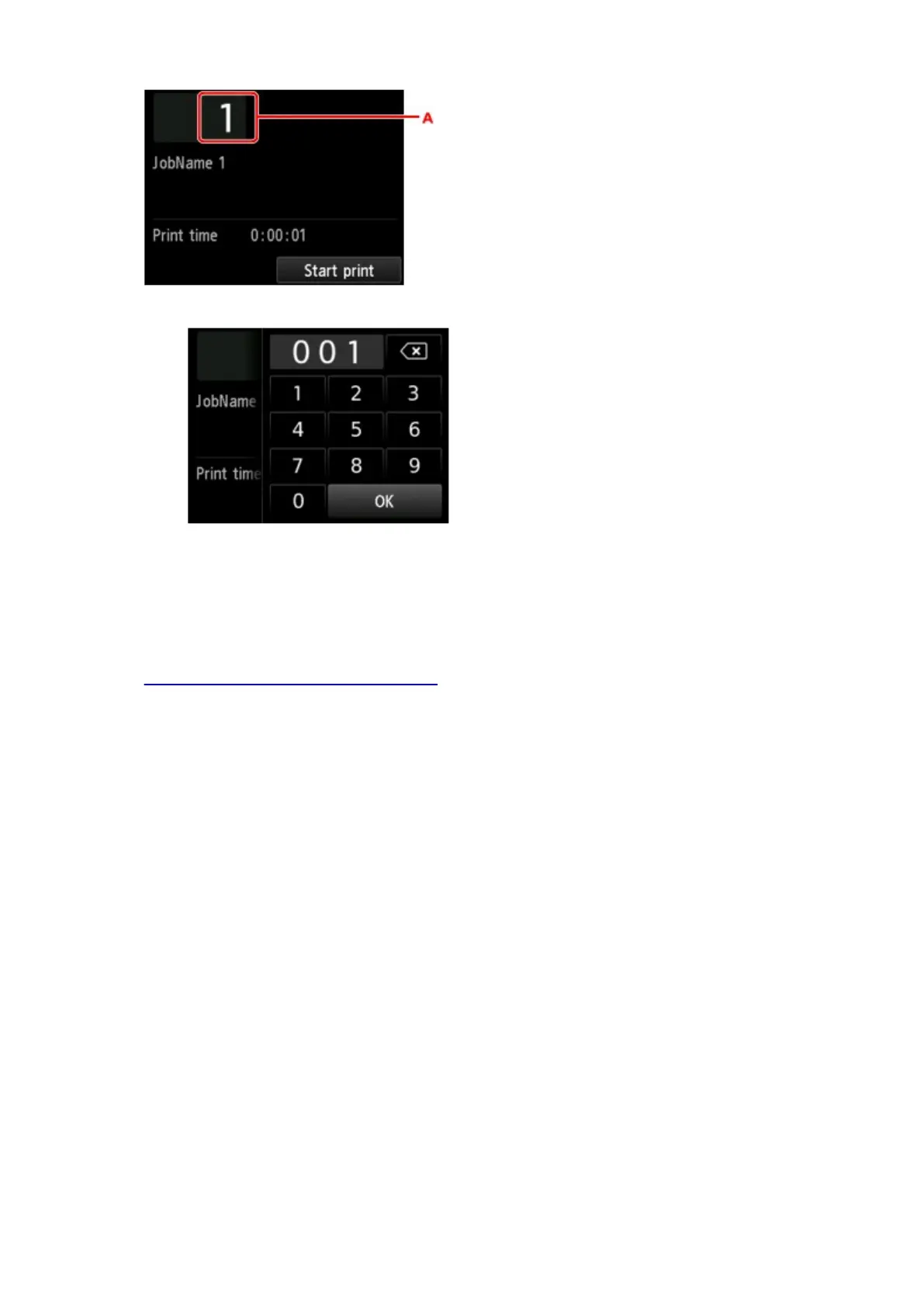
A. Tap to display the screen below. Specify the number of copies.
8.
Tap Start print.
Using Remote UI
1.
Display printer status on web browser.
2.
On Menu page, select Job management.
3.
Select Saved job.
The saved job list appears.
4.
On Saved job page, select box.
658












 To Next Page