Checking Free Hard Disk Space
Check the space available on the printer's hard disk as follows.
This operation is available using the operation panel or Remote UI.
Using Operation Panel
Using Remote UI
Using Operation Panel
1.
Make sure printer is turned on.
2.
Flick HOME screen and tap Printer information.
Menu Operations
3.
Tap Hard disk information.
The free hard disk space appears.
Using Remote UI
1.
Display printer status on web browser.
2.
On Menu page, select Job management.
3.
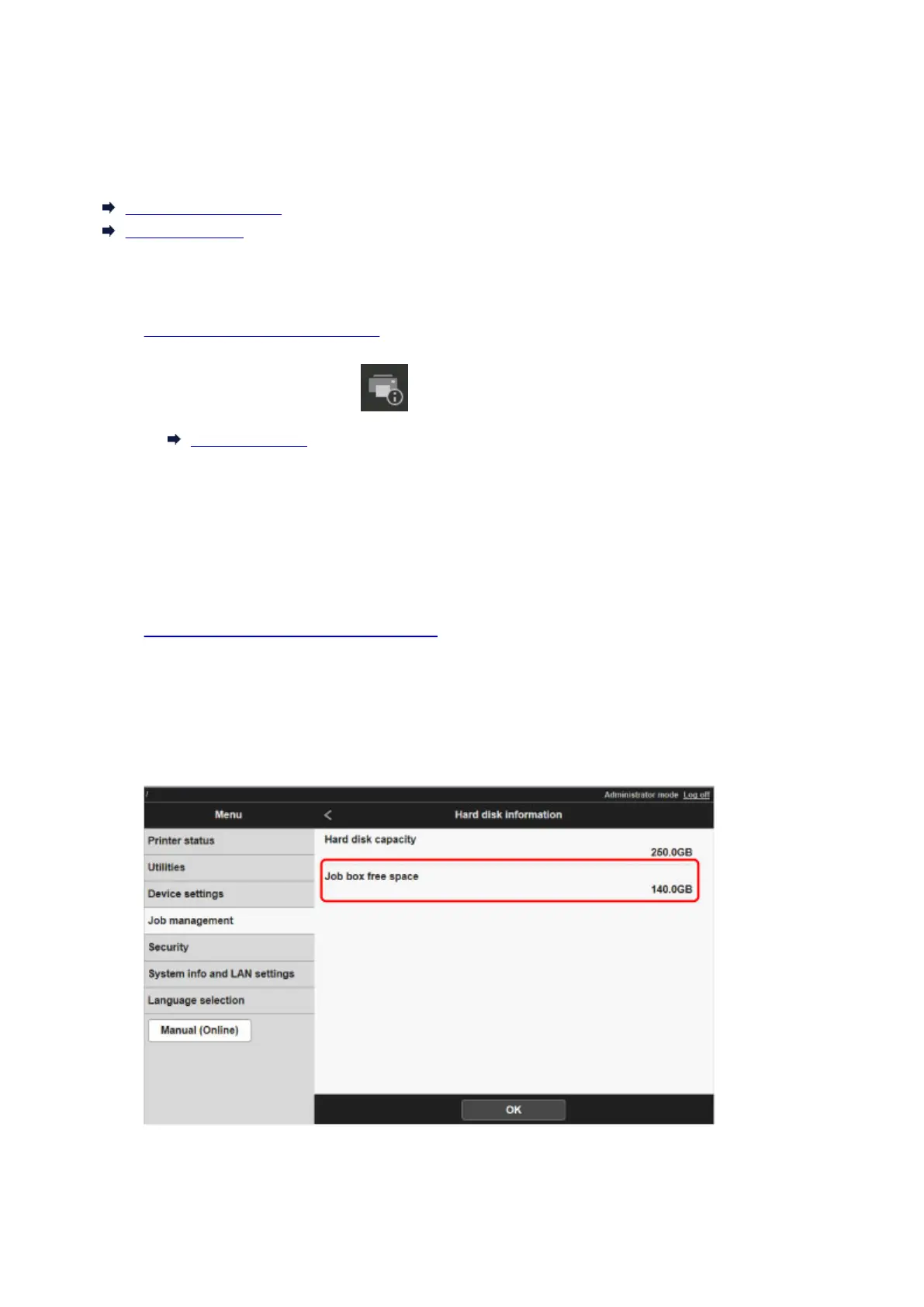
Select Hard disk information.
The free hard disk space is shown in the upper-right corner.
686











 To Next Page