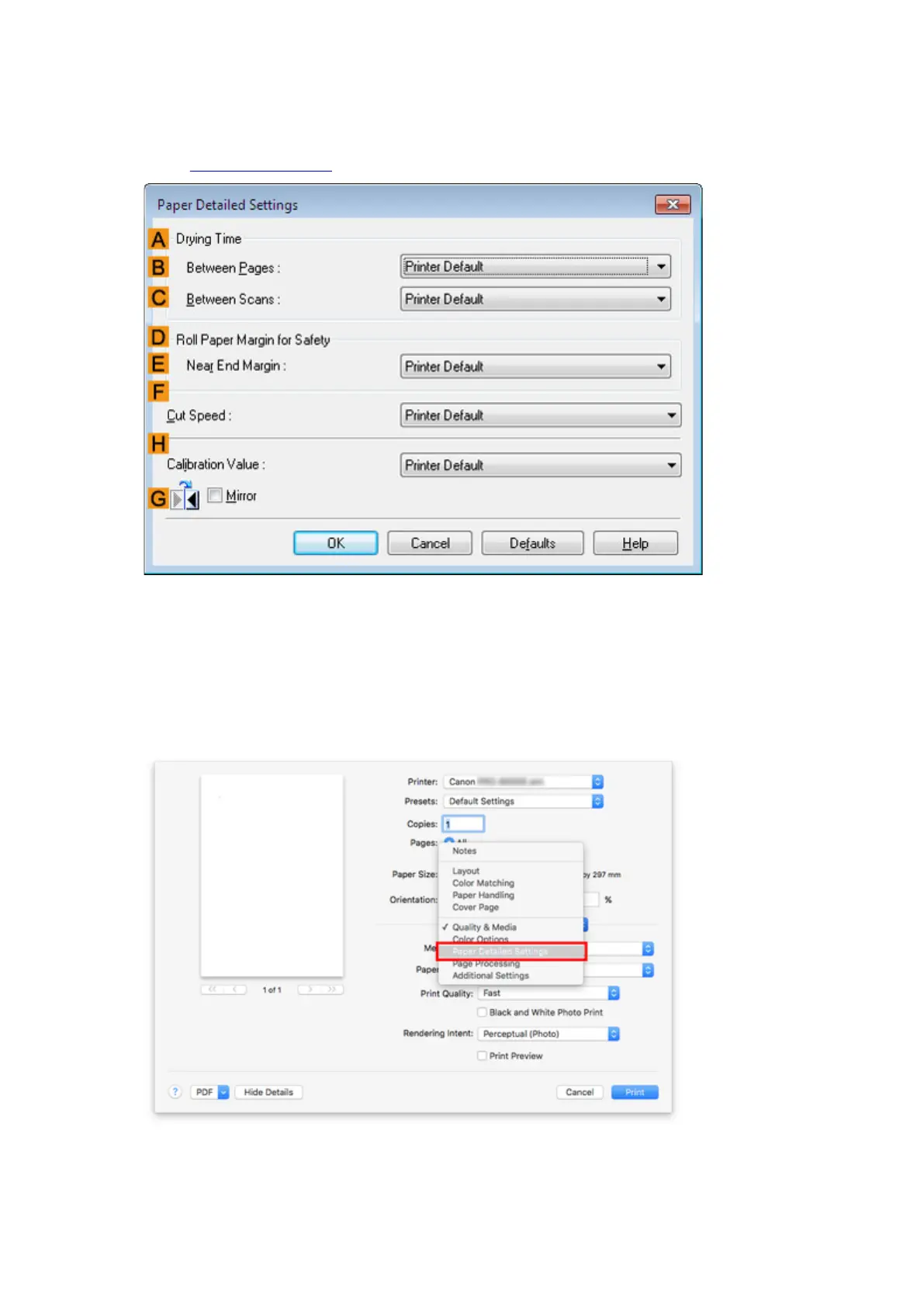
3. In the Paper Detailed Settings dialog box displayed next, select the desired values from
the lists for Between Pages and Between Scans in Drying Time, and then click OK.
(See "Main Tab Description.")
Mac OS
1.
Choose Print in the application menu.
2.
Select Paper Detailed Settings panel.
79











 To Next Page