• Do not put your hands inside the printer, as ink may adhere to your hands.
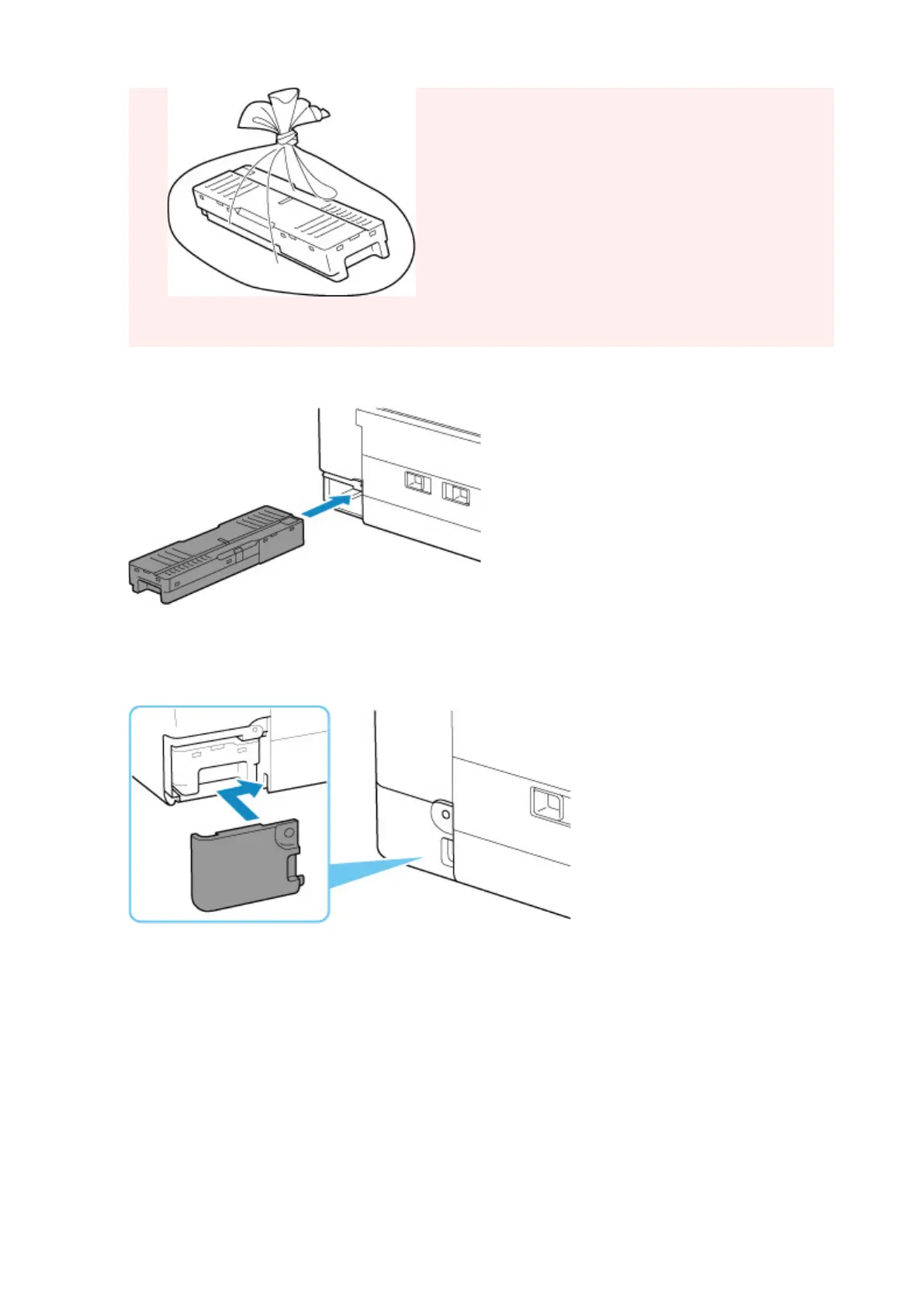
5. Insert the new maintenance cartridge straight until it stops.
6. Attach the maintenance cover.
Align the tab on the back of the maintenance cover
with the hole on the printer and close it.
7. Insert the coin screw into the screw hole and turn it clockwise to secure.
128










 To Next Page