Placing any objects on the touch screen.
• Do not attach a protective sheet on the touch screen. Removing it may damage the touch screen.
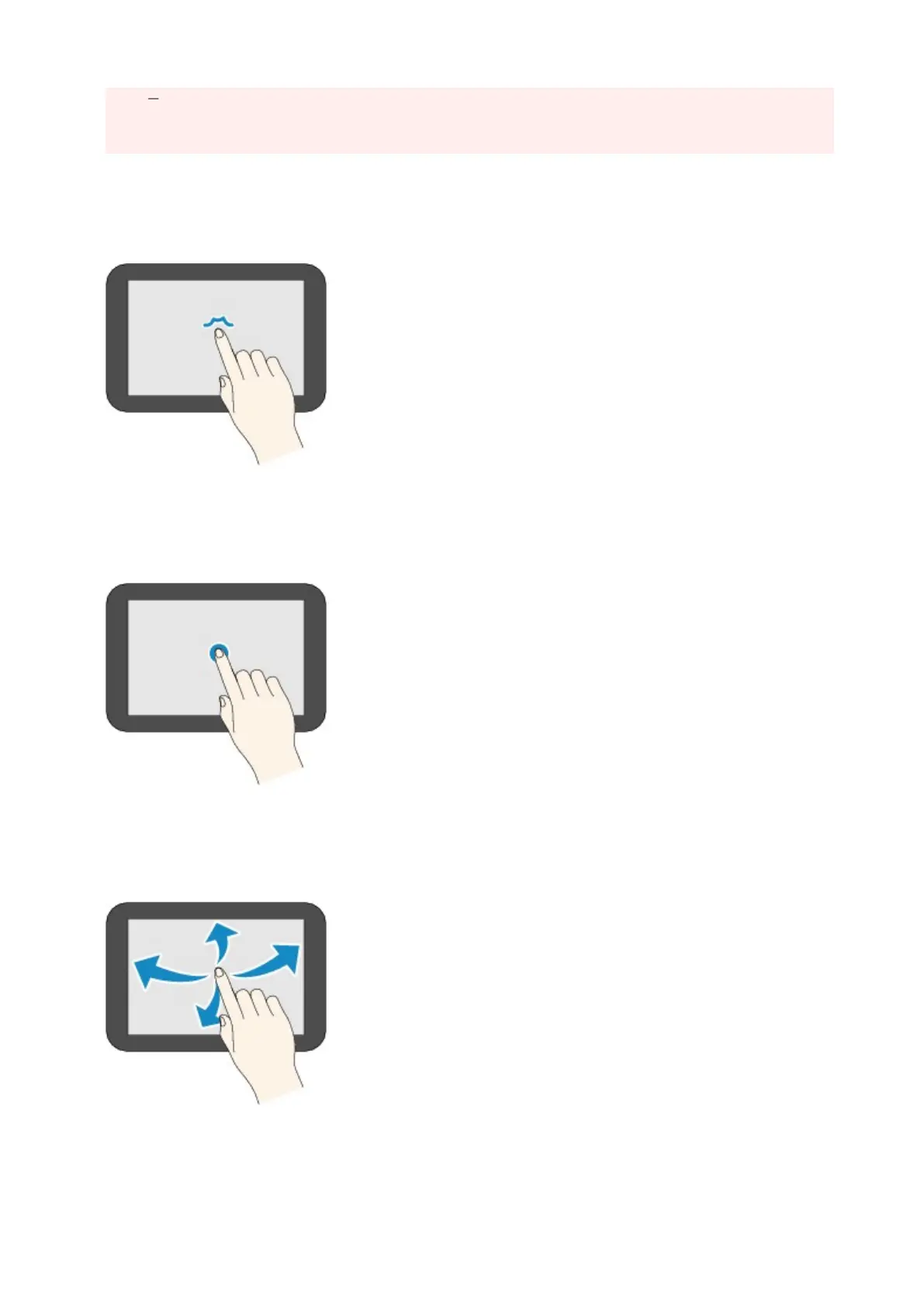
Tap
Touch lightly with your finger tip and immediately release.
Use to select an item or photo on the screen.
Touch
Touch lightly with your finger tip.
To move forward (or go back) menus or photos continuously, keep touching the forward (or back) mark.
Flick
Flick your finger on the screen up, down, left, or right.
Use to switch menus or move forward or backward through photos.
Drag
While lightly touching the screen, move your finger up, down, left, or right.
177










 To Next Page