Note
You can specify the number of copies for each photo. Display the photo you want to print and
specify the number of copies when the desired photo is displayed.
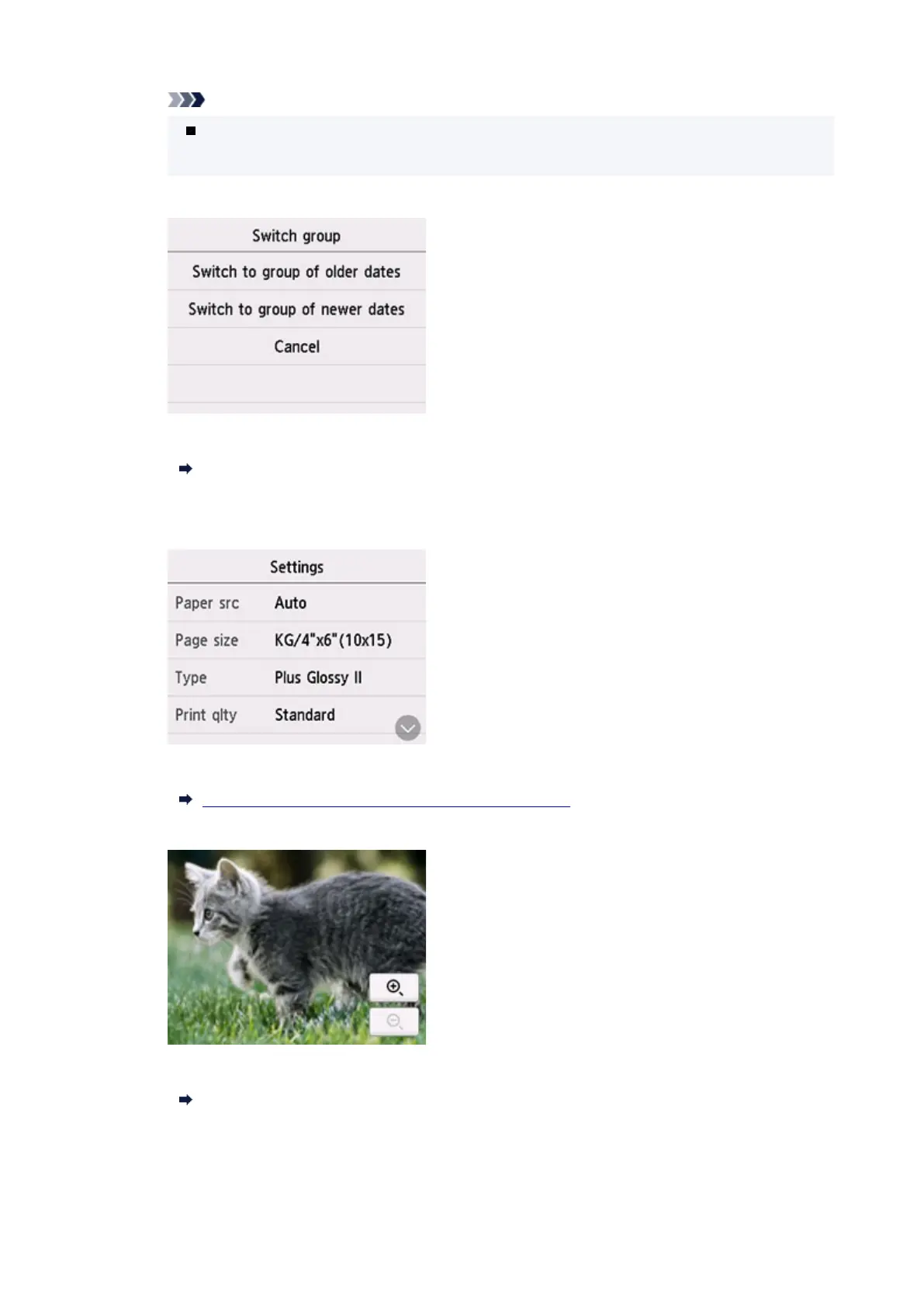
C: Select to switch the photo group.
For details:
Using Useful Display Functions
D: Select to display the Settings screen.
You can change the settings of page size, media type, and print quality and so on.
For more on the setting items:
Setting Items for Photo Printing Using Operation Panel
E: Select to zoom in on the photo.
For details:
Using Useful Display Functions
F: Select to display photo with specifying the date (last modified date of data).
246










 To Next Page