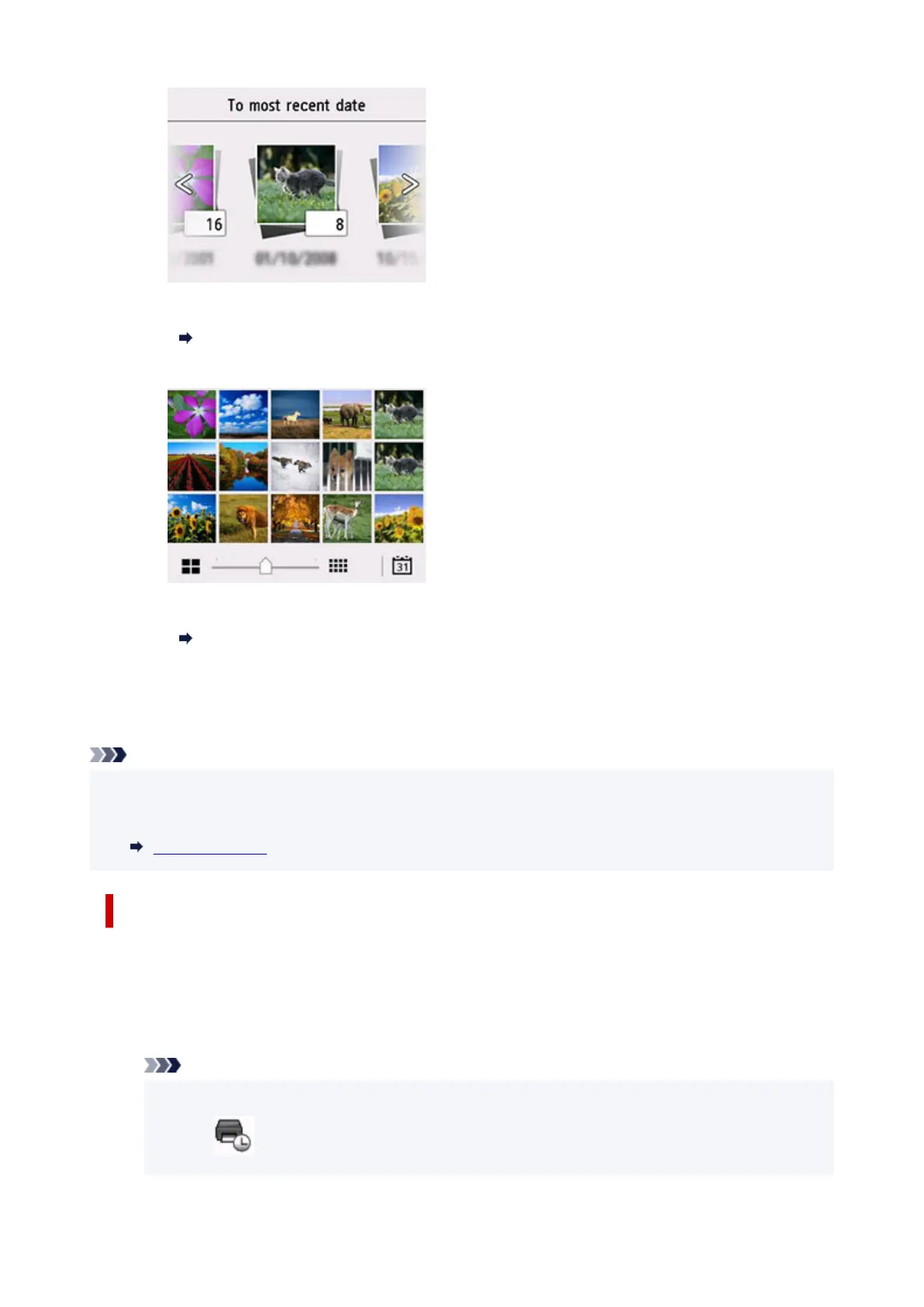
For details:
Using Useful Display Functions
G: Select to display the multiple photos at once.
For more on the display method:
Using Useful Display Functions
7. Press Color button.
The printer starts printing.
Note
• To cancel printing, press the Stop button.
• While processing the print job, you can add the print job (Reserve photo print).
Adding Print Job
Adding Print Job
You can add the print job (Reserve photo print) while printing photos.
Follow the procedure below to add the print job.
1. Flick photo while printing to select next photo.
Note
• While you select the photo, the printer prints the reserved photos.
• The
reserved photo icon appears on the photo included in the print job.
247










 To Next Page