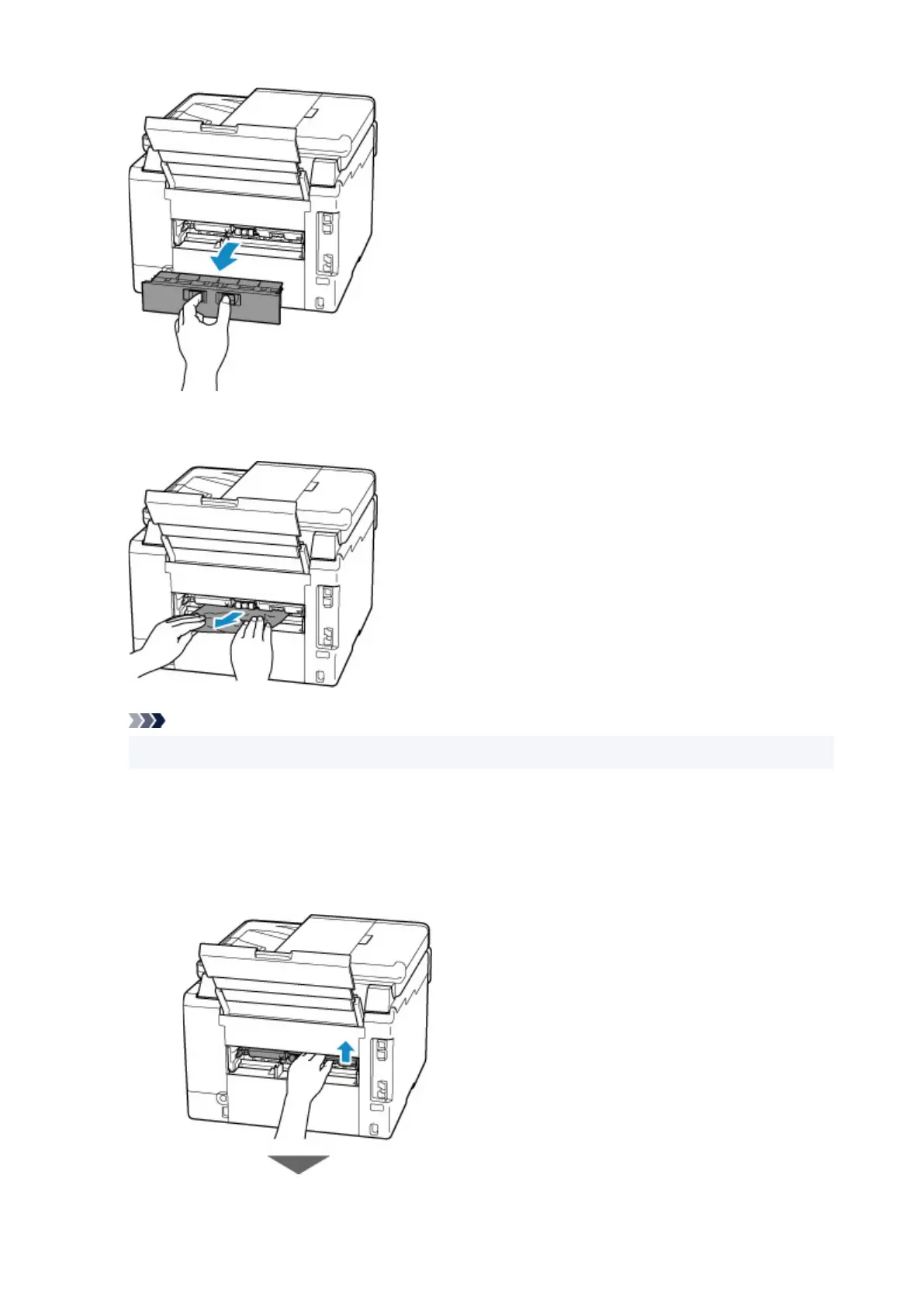
4. Slowly pull out paper.
Note
• Do not touch the inner parts of the printer.
If you were not able to remove the paper in this step, detach the transport unit cover and remove the
paper by following these steps.
1. Detach transport unit cover.
Lift up the transport unit cover
and pull out it.
369










 To Next Page