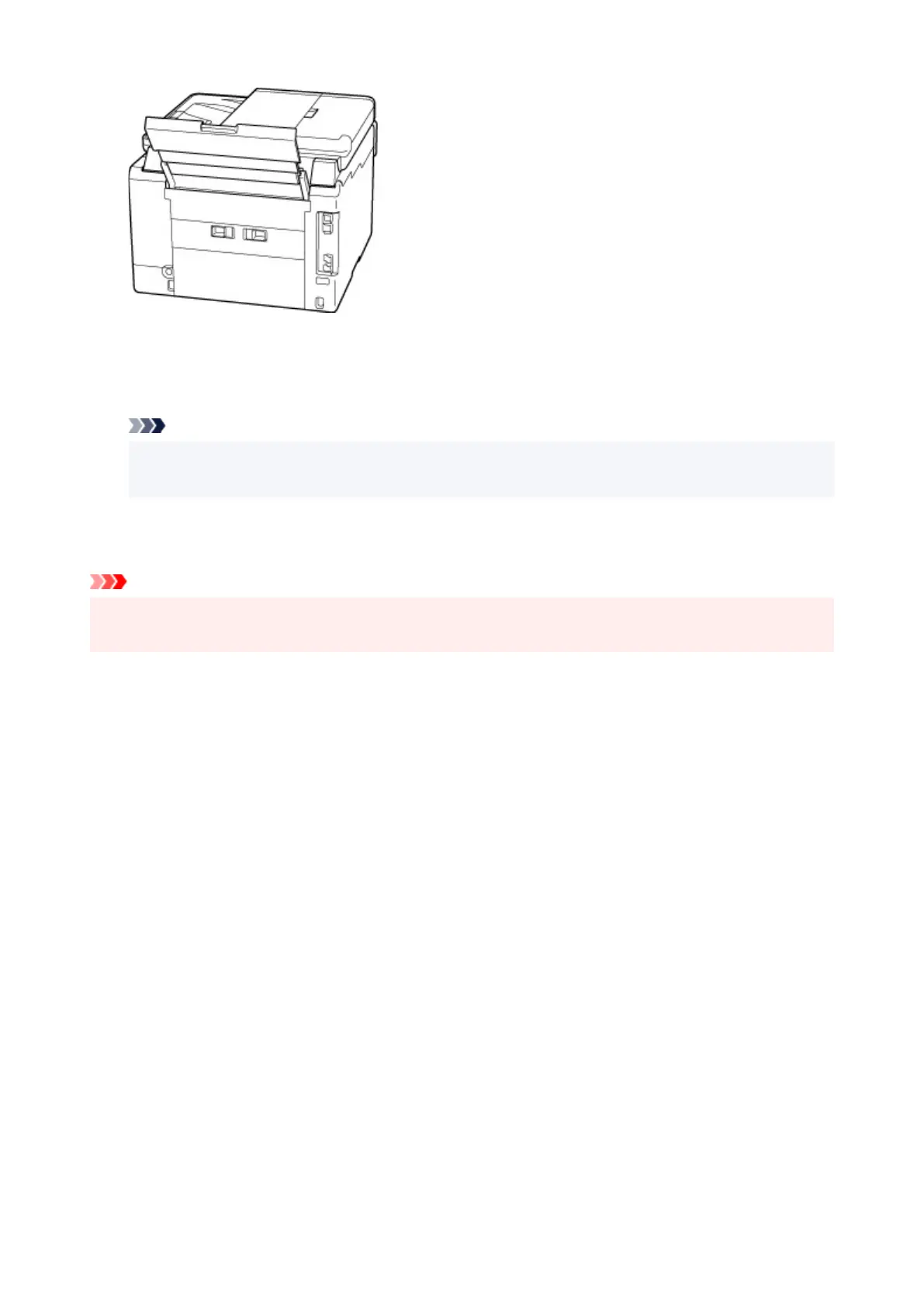
6. Plug in the printer again and turn it back on.
All jobs in the print queue are canceled. Redo the printing.
Note
• When reloading the paper, make sure you are using suitable paper and loading it correctly.
• Before printing, pull out the paper output tray.
If the measures above do not solve the problem, contact your nearest Canon
service center to request a
repair.
Important
• Do not tilt the printer when moving it since the ink may leak out.
• When transporting the printer for repairing it, see Repairing Your Printer.
372










 To Next Page