1000
Cause
Possible causes include the following.
• There is no paper in the rear tray.
• Paper is not loaded in the rear tray properly.
What to Do
Take the corresponding actions below.
• Load paper in the rear tray.
Loading Plain Paper / Photo Paper in Rear Tray
Loading Envelopes in Rear Tray
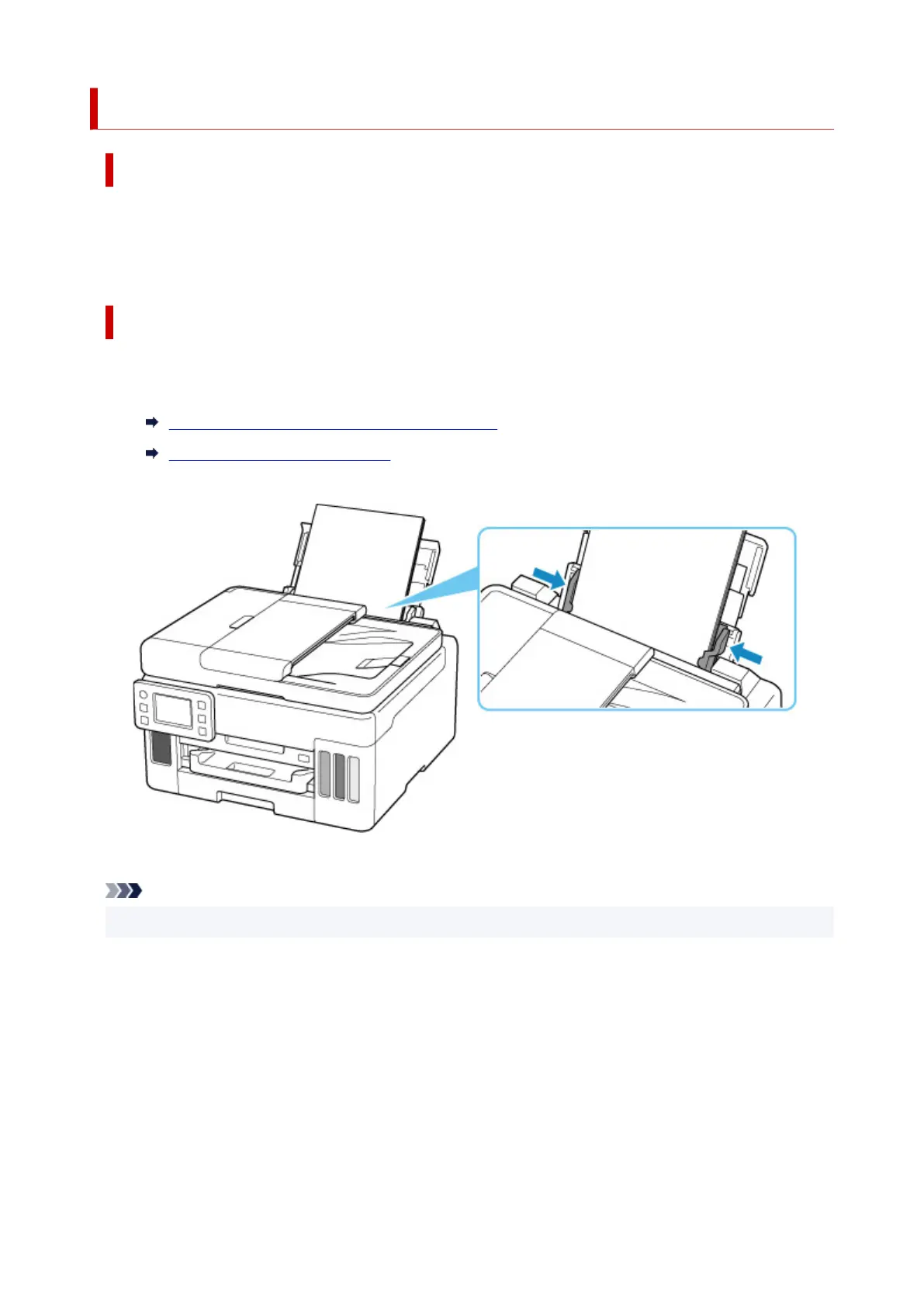
• Align the paper guides of the rear tray with both edges of the paper.
After carrying out the above measures, select OK on the
printer's touch screen to cancel the error.
Note
• To cancel printing, press the printer's Stop button.
373










 To Next Page