No Paper in Cassette during Printer Setup
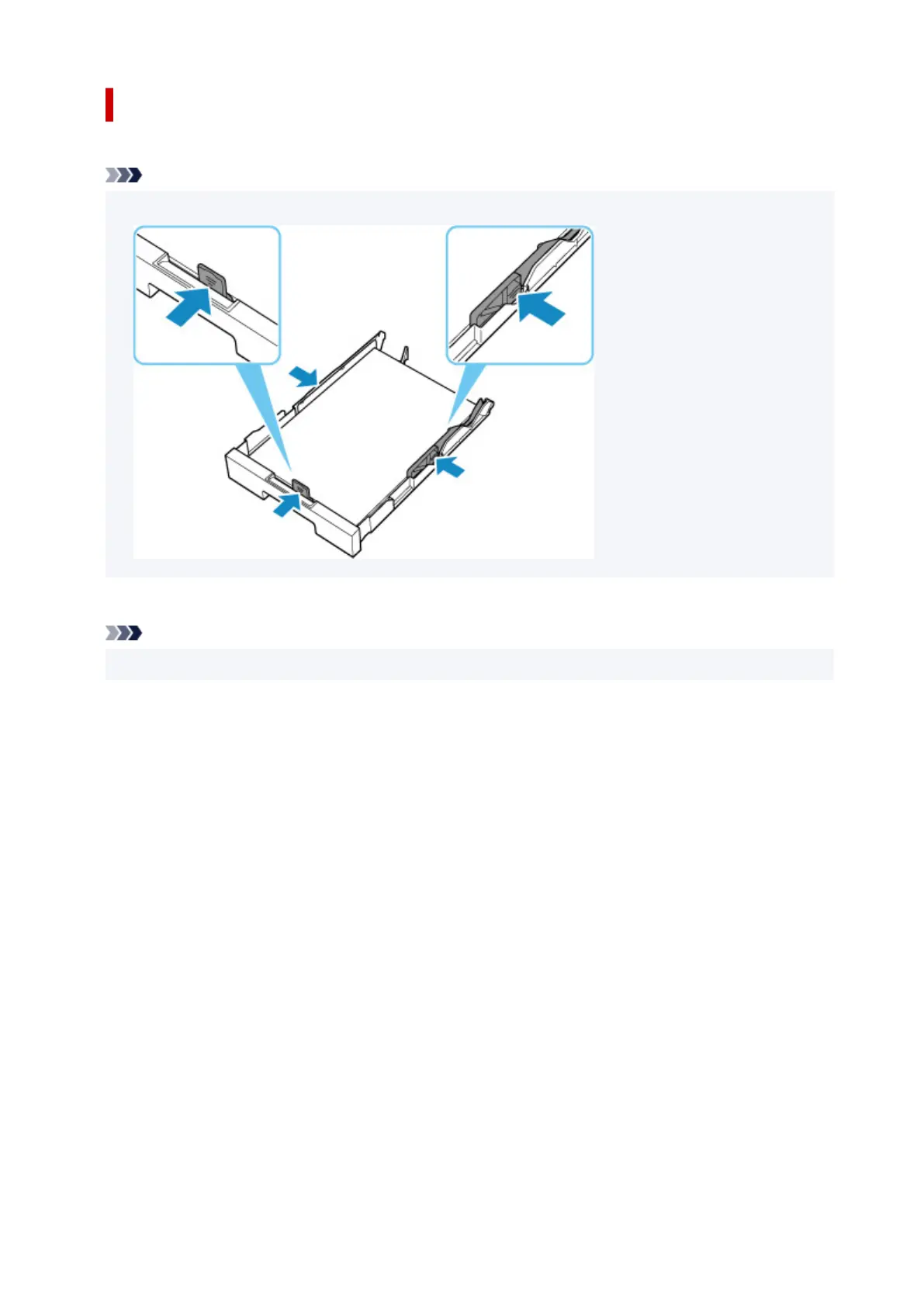
Load one or more sheets of A4 or Letter size plain paper in the cassette
.
Note
• After loading the paper, align the paper guides of the cassette with the edges of the paper.
Select OK on the printer's touch screen
to cancel the error.
Note
• If you are printing a print head alignment sheet during printer setup, do not cancel printing.
375










 To Next Page