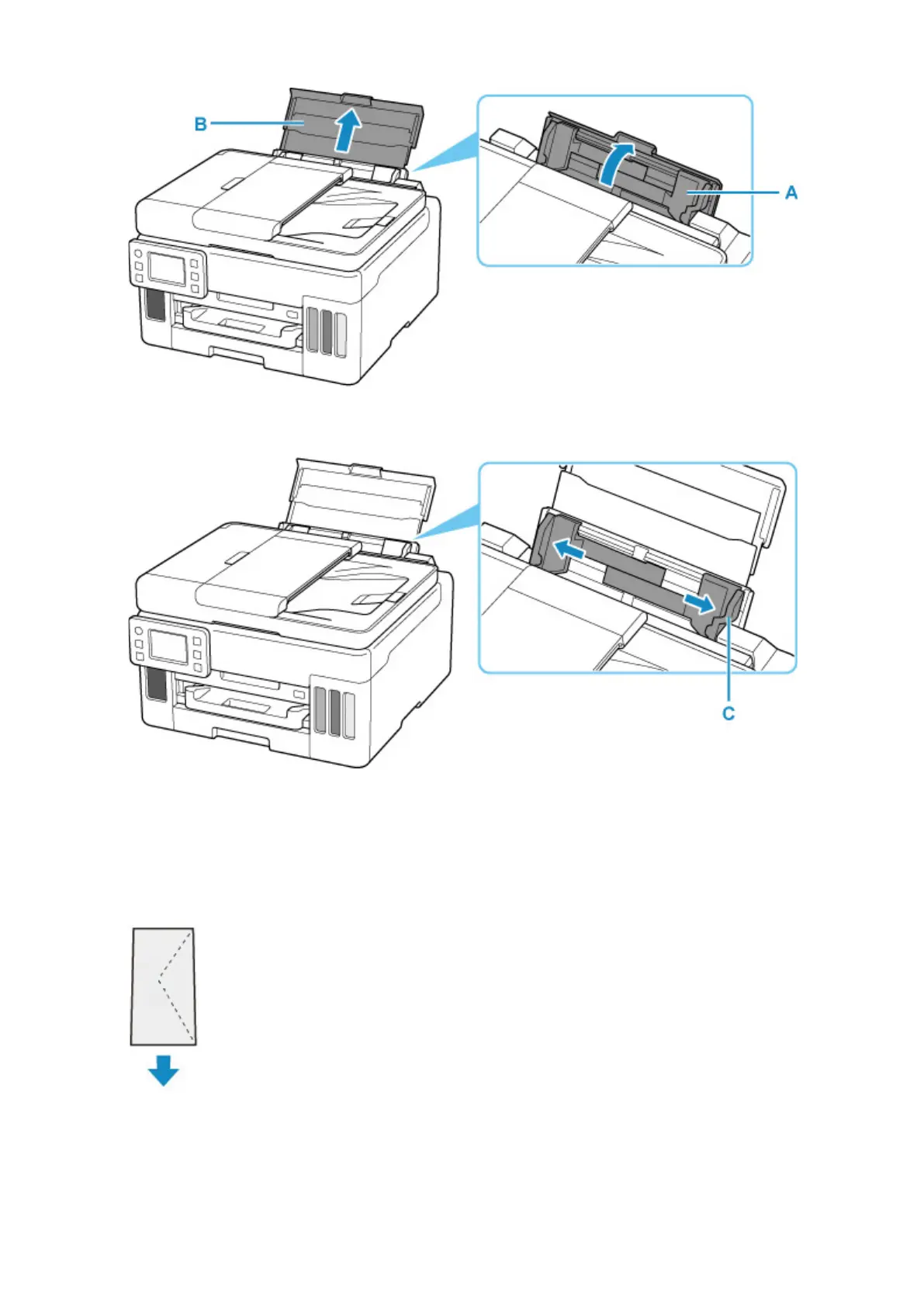
3. Slide right paper guide (C) to open both paper guides.
4. Load envelopes in portrait orientation WITH PRINT SIDE FACING UP.
Up to 10 envelopes can be loaded at once.
After loading the envelopes, the paper setting confirmation screen for the rear tray
appears on the touch
screen.
5. Slide right paper guide to align with both sides of envelopes.
Do not slide the paper guides
too hard against the envelopes. The envelopes may not be fed properly.
71










 To Next Page