Note
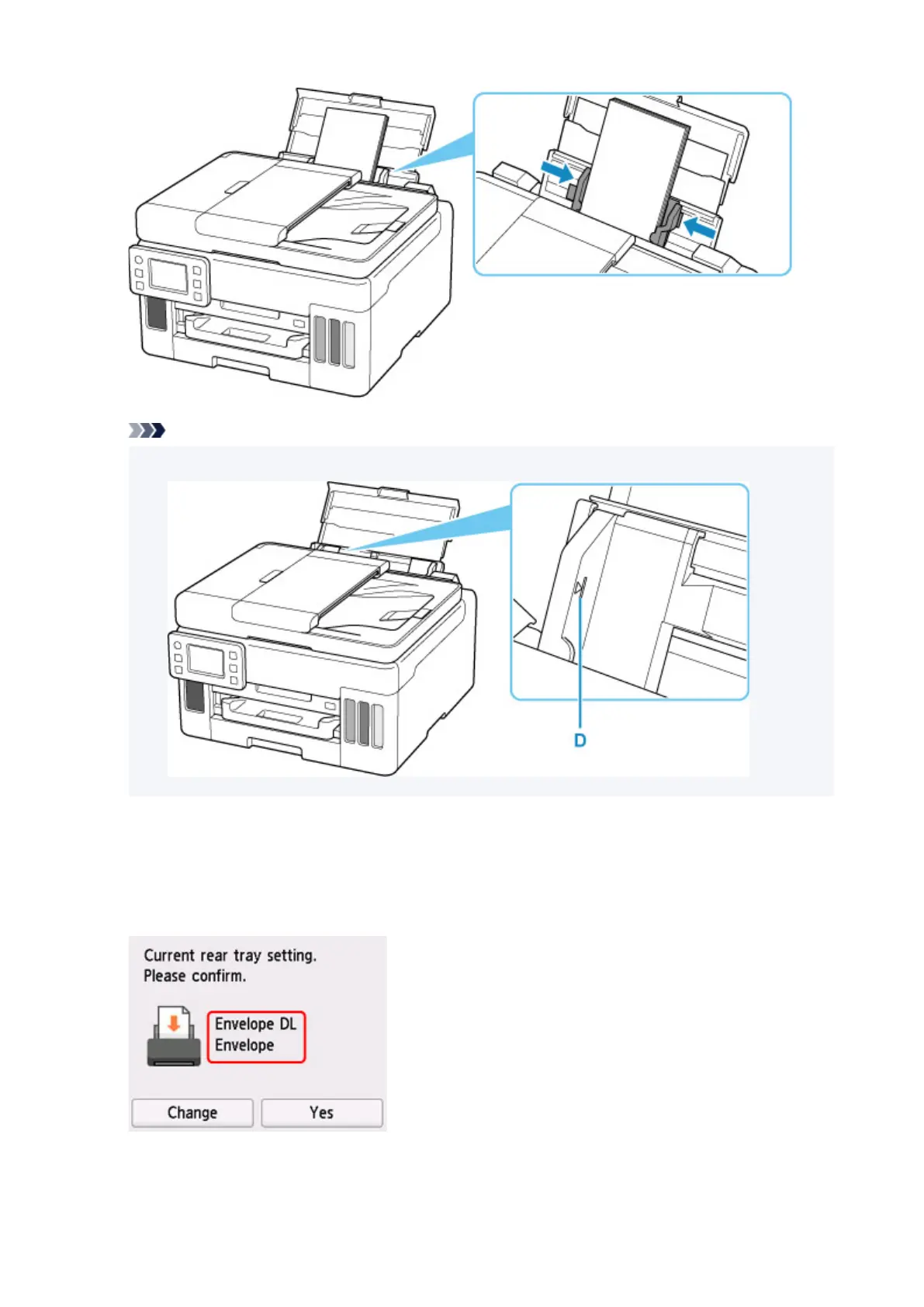
• Do not load envelopes higher than the load limit mark (D).
6. If page size and media type shown on touch screen match size and type of envelopes
loaded in rear tray, select
Yes.
If not, select Change to change the settings in accordance with the size and type of the loaded
envelopes.
7. Pull out a paper output tray (E).
72










 To Next Page