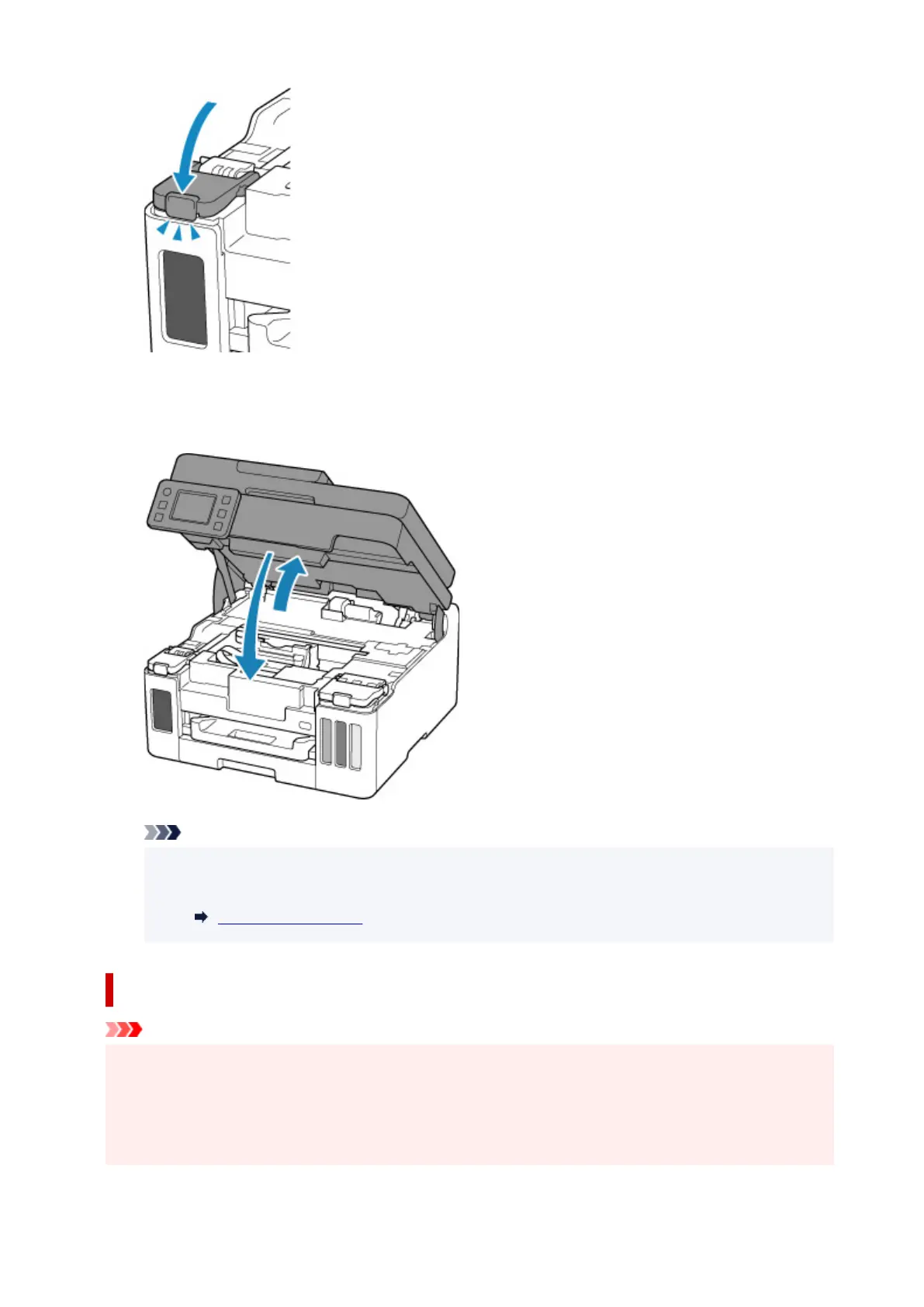
10. Close the scanning unit / cover.
To close the scanning unit / cover, hold it up once, then take it down gently.
Note
• If the error message appears on the touch screen after the scanning unit / cover is closed, take
appropriate action.
When Error Occurred
Notes on ink bottles
Important
• Keep out of reach of children.
• Do not drink ink.
• If ink is accidentally licked or swallowed, rinse out your mouth or drink one or two glasses of water
and obtain medical advice immediately. If ink gets into your eyes, flush them with water right away,
and obtain medical advice immediately.
93










 To Next Page