Important
• Make sure that each color of ink tanks is filled with corresponding color of ink bottles.
• If ink is not injected into the ink tank, slowly remove and insert the ink bottle.
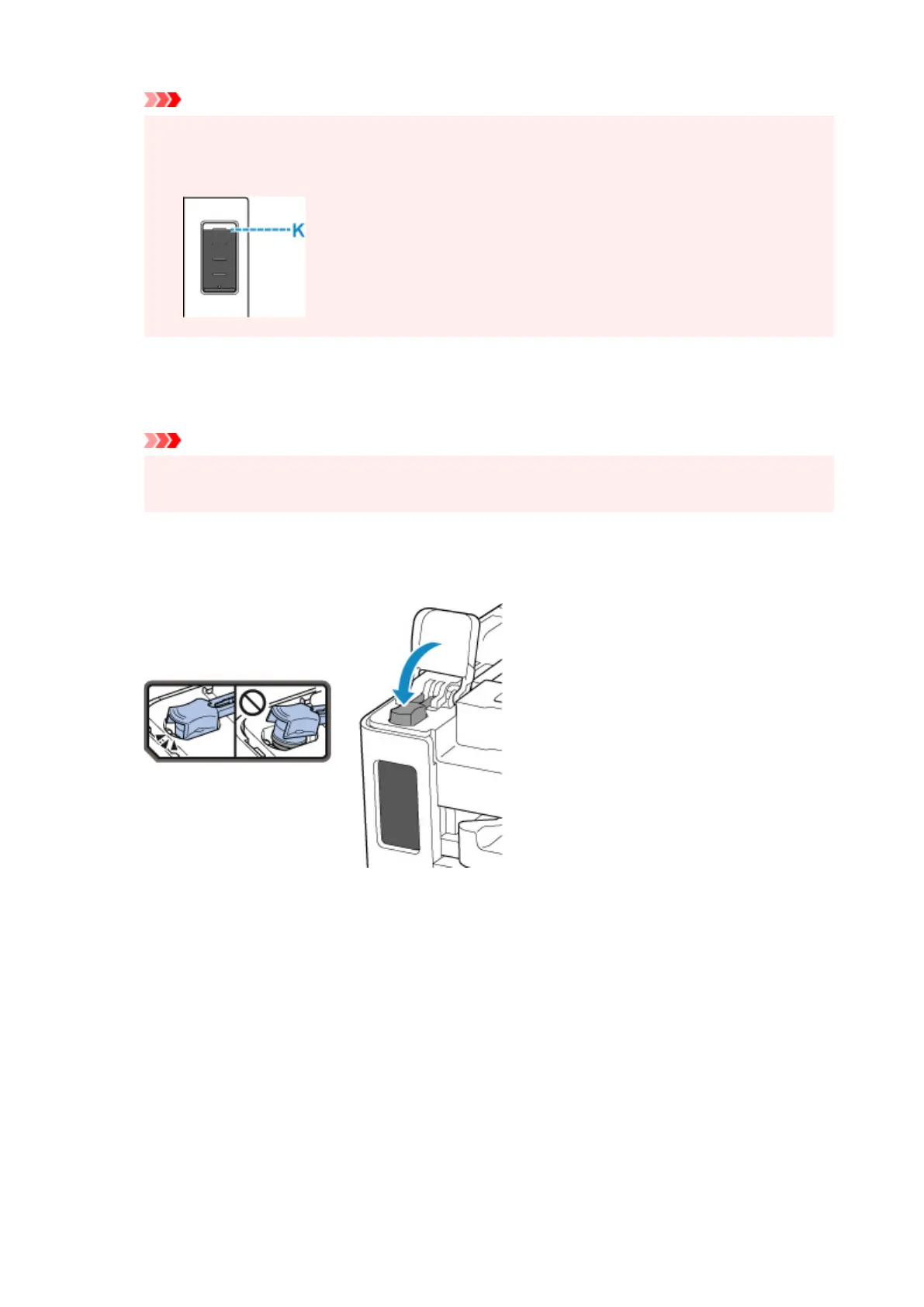
• Make sure to refill the ink tank with ink up to the upper limit line (K) on the ink tank.
7. Once ink reaches the upper limit line, remove the ink bottle from the inlet.
Hold up the ink bottle slightly and remove the bottle from the inlet
while slowly tilting it.
Important
• Do not leave ink bottles in ink tanks.
• Close the bottle cap of the ink bottle completely and store the ink bottle upright.
8. Close the tank cap of the ink tank.
Make sure the tank cap is completely inserted.
9. Close the ink tank cover completely.
92










 To Next Page