102
Using a Memory Card
E
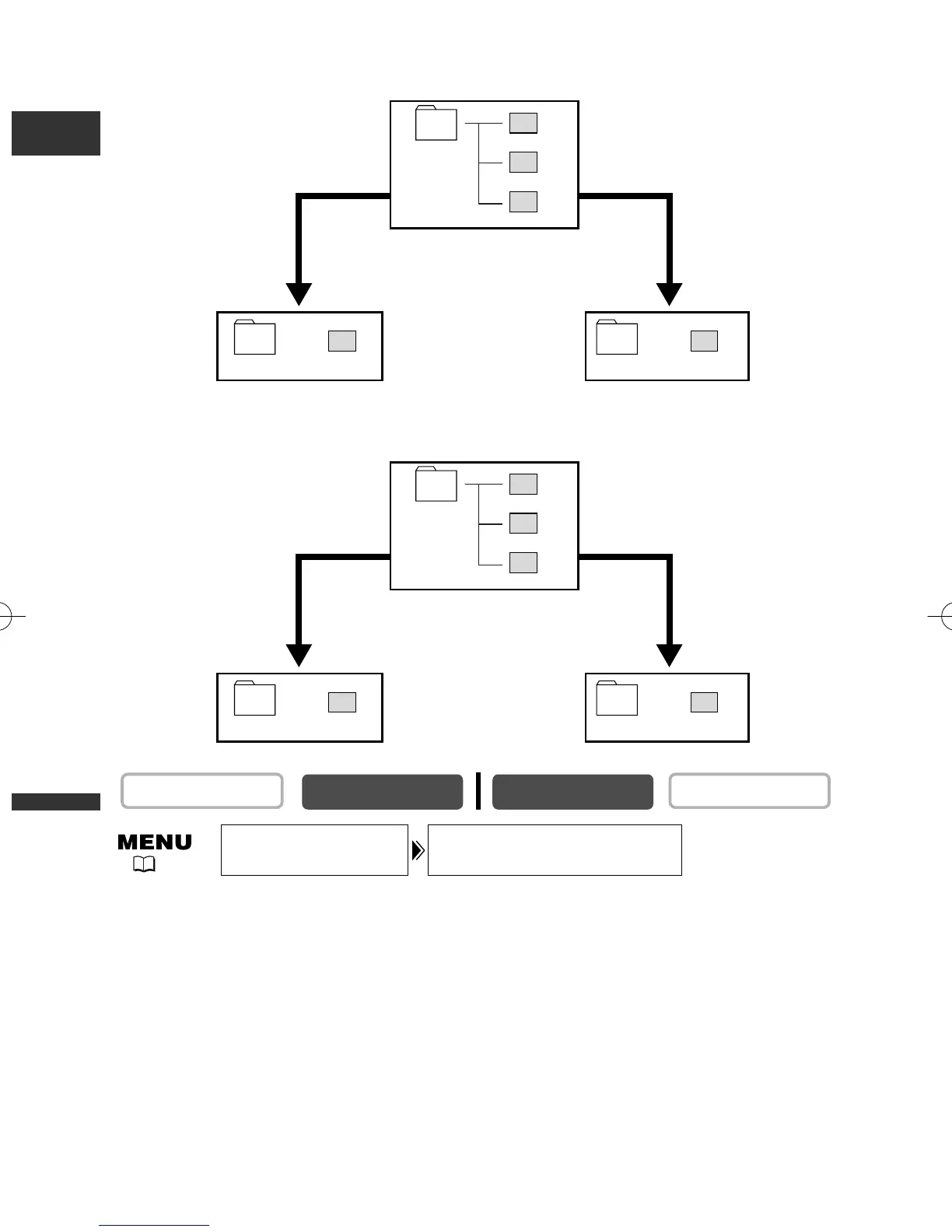
To change the setting, open the menu and select [CARD SET UP]. Select
[FILE NOS.], set it to [RESET] and close the menu.
PLAY (VCR)
CAMERA
FILE NOS.••••CONTINUOUS
CARD SET UP
( 41)
101-0101
101
101-0102
101-0104
101
101-0101
101
101-0103
CONTINUOUS RESET
When you record 3 still images.
When you replace the memory
card and record an image.
001-101
001
001-102
001-104
001
001-101
001
001-103
CONTINUOUS RESET
When you record 3 movies.
Movies:
When you replace the memory
card and record a movie.
Still images:
5_D76PAL_E(99-133) 26/06/03 12:14 Page 102



 To Next Page