19
Mastering
the Basics
E
Loading a Cassette
Use only video cassettes marked with the D logo.
Loading and Unloading
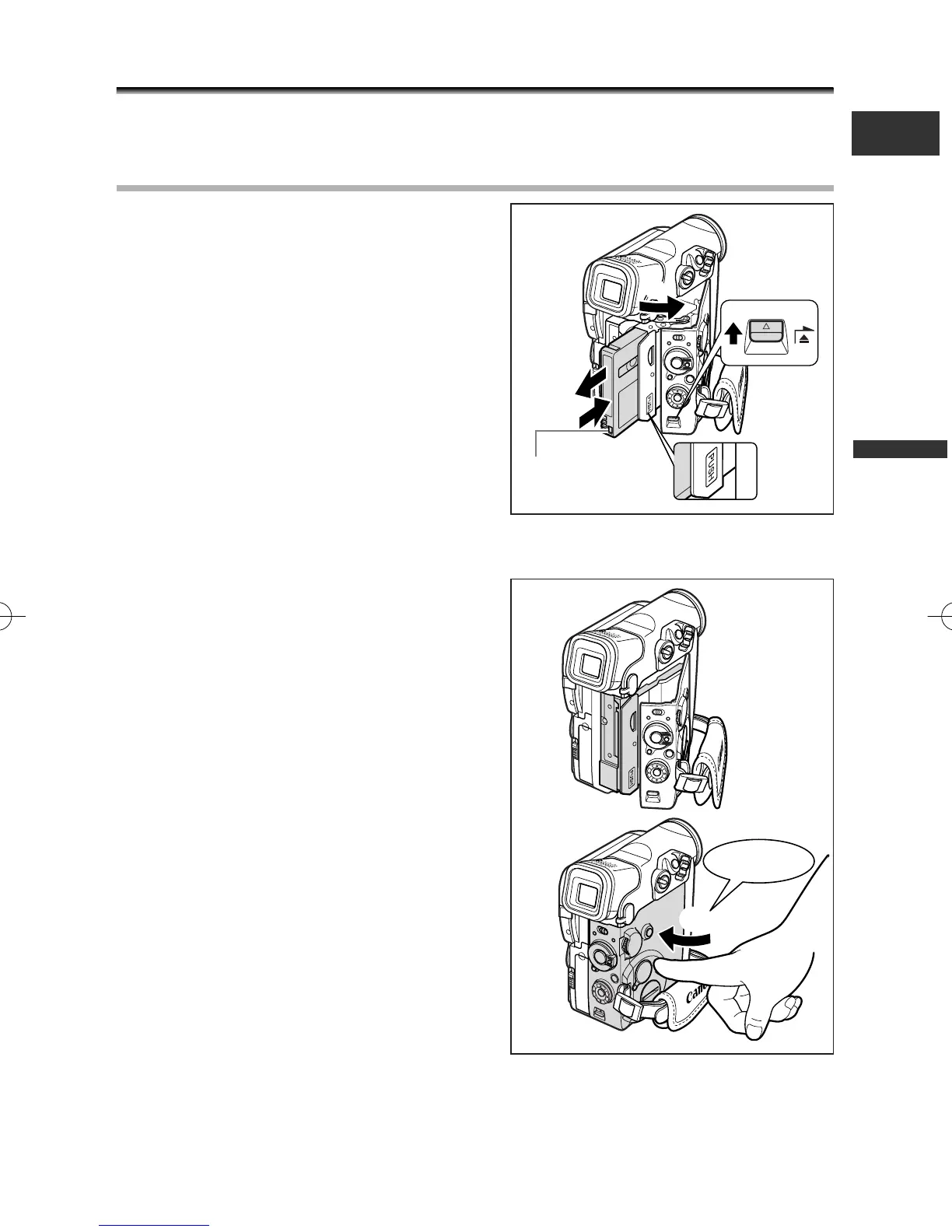
1. Slide and hold the OPEN/EJECT
switch and open the cassette
compartment cover.
The cassette compartment opens
automatically.
2. Load/unload the cassette.
• Load the cassette with the window facing
the grip belt and the REC/SAVE tab facing
downward.
• Unload the cassette by pulling it straight
out.
3. Press the P mark on the cassette
compartment until it clicks.
4. Wait for the cassette compartment to
retract automatically.
5. Close the cassette compartment
cover.
t
r
Tape protection tab
click
2_D76PAL_E(13-40) 26/06/03 11:59 Page 19



 To Next Page