81
Using the Full Range
of Features
E
Magnifying the Image
The playback image can be magnified up to 5 times.
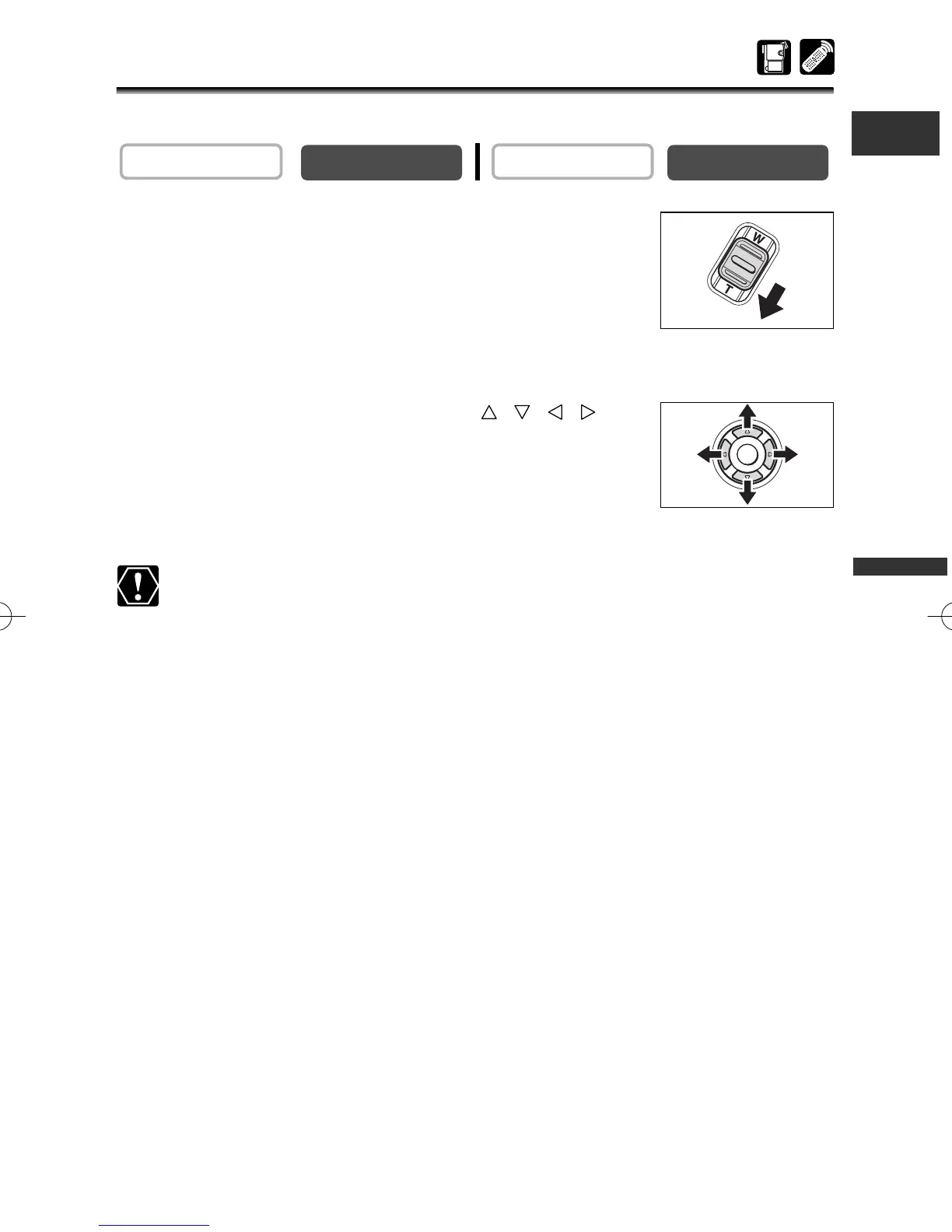
1. Move the zoom lever toward T.
• The image is magnified by 2 times.
•A frame appears indicating the position of the magnified area.
•To further enlarge the image, move the zoom lever toward T.
To shrink the image below 2 times magnification, move the
zoom lever toward W.
2. Select the magnified area with the , , ,
buttons.
To cancel the magnification, move the zoom lever toward W
until the frame disappears.
Movies played back from a memory card cannot be magnified.
PLAY (VCR)
CAMERA
3_D76PAL_E(41-85) 26/06/03 12:04 Page 81



 To Next Page