70
Using the Full Range
of Features
E
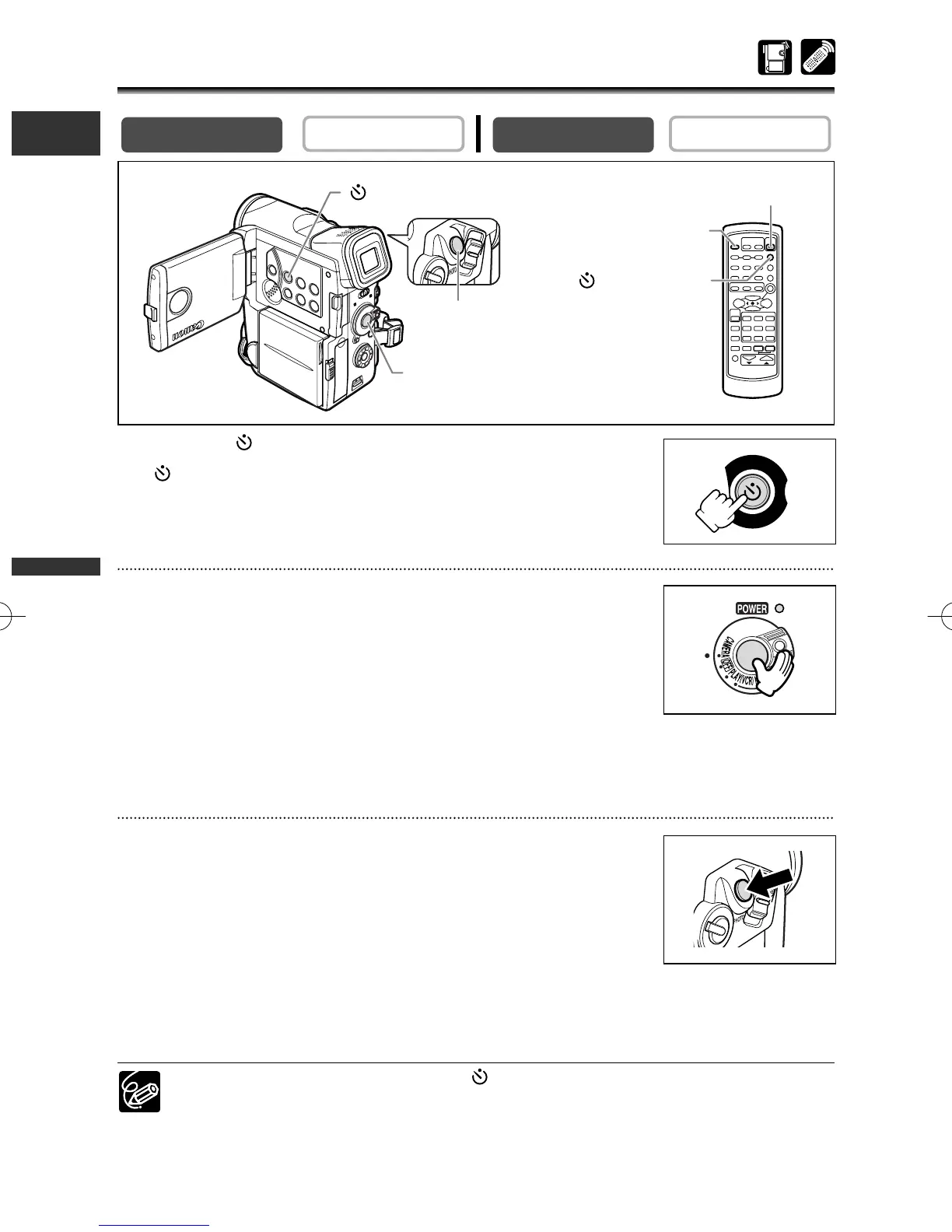
Recording With the Self-Timer
1. Press the (self-timer) button.
“” appears.
When recording movies
2. Press the start/stop button.
• The camcorder starts recording after a 10-second countdown
(2 seconds when using the wireless controller). The count down
appears on the screen.
• The tally lamp starts flashing.
3. Press the start/stop button to stop recording.
The camcorder returns to record pause mode.
When recording still images
2. Press the PHOTO button.
• The camcorder starts recording after a 10-second countdown
(2 seconds when using the wireless controller). The count down
appears on the screen.
• The tally lamp starts flashing.
• F appears in green 2 seconds before recording begins.
•
The camcorder records the still image for approx. 6 seconds and returns to record pause
mode (in CARD CAMERA mode, it displays the still image when recording is complete).
❍ To cancel the self-timer, press the (self-timer) button. Once the countdown
has begun, you can also press the start/stop button (when recording movies) or
the PHOTO button (when recording still image) to cancel the self-timer.
❍ The self-timer will be cancelled when you turn off the camcorder.
PLAY (VCR)
CAMERA
(
L
I
N
E
-
I
N
)
R
E
C
P
A
U
S
E
(self-timer)
button
PHOTO button
Start/stop button
START/STOP button
PHOTO button
SELF T. button
3_D76PAL_E(41-85) 26/06/03 12:04 Page 70



 To Next Page