6
Introduction
E
Conventions Used in This Manual
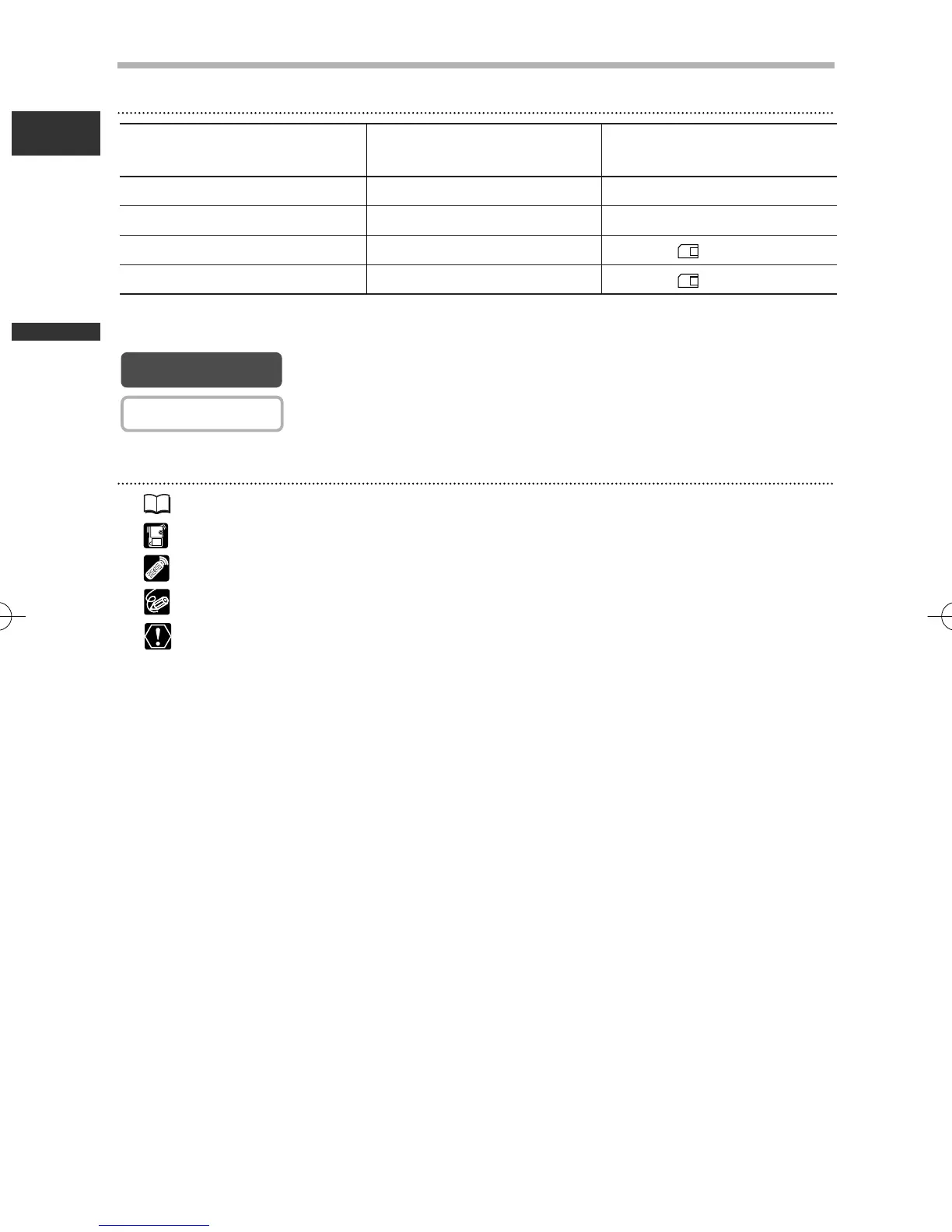
Operating Modes
Available functions depend upon the operating mode. It is indicated as follows:
: Function can be used in this mode.
: Function cannot be used in this mode.
Other Symbols and References
❍ : Reference page number.
❍ : Functions to be operated on the body of the camcorder.
❍ : Functions to be operated on the wireless controller.
❍ : Additional topics that complement the basic operating procedures.
❍ :Precautions related to the camcorder operation.
❍ Capital letters are used to refer to buttons on the camcorder or the wireless
controller.
❍ [ ] are used to refer to menu items displayed on the screen.
❍ “Screen” refers to the LCD and the viewfinder screen.
Operating Mode
Position of the
POWER Switch
Position of the
TAPE/CARD Switch
CAMERA CAMERA b (TAPE)
PLAY (VCR) PLAY (VCR) b (TAPE)
CARD CAMERA CAMERA (CARD)
CARD PLAY (VCR) PLAY (VCR) (CARD)
1_D76PAL_E(03-12) 26/06/03 11:24 Page 6



 To Next Page