127
Using a Memory Card
E
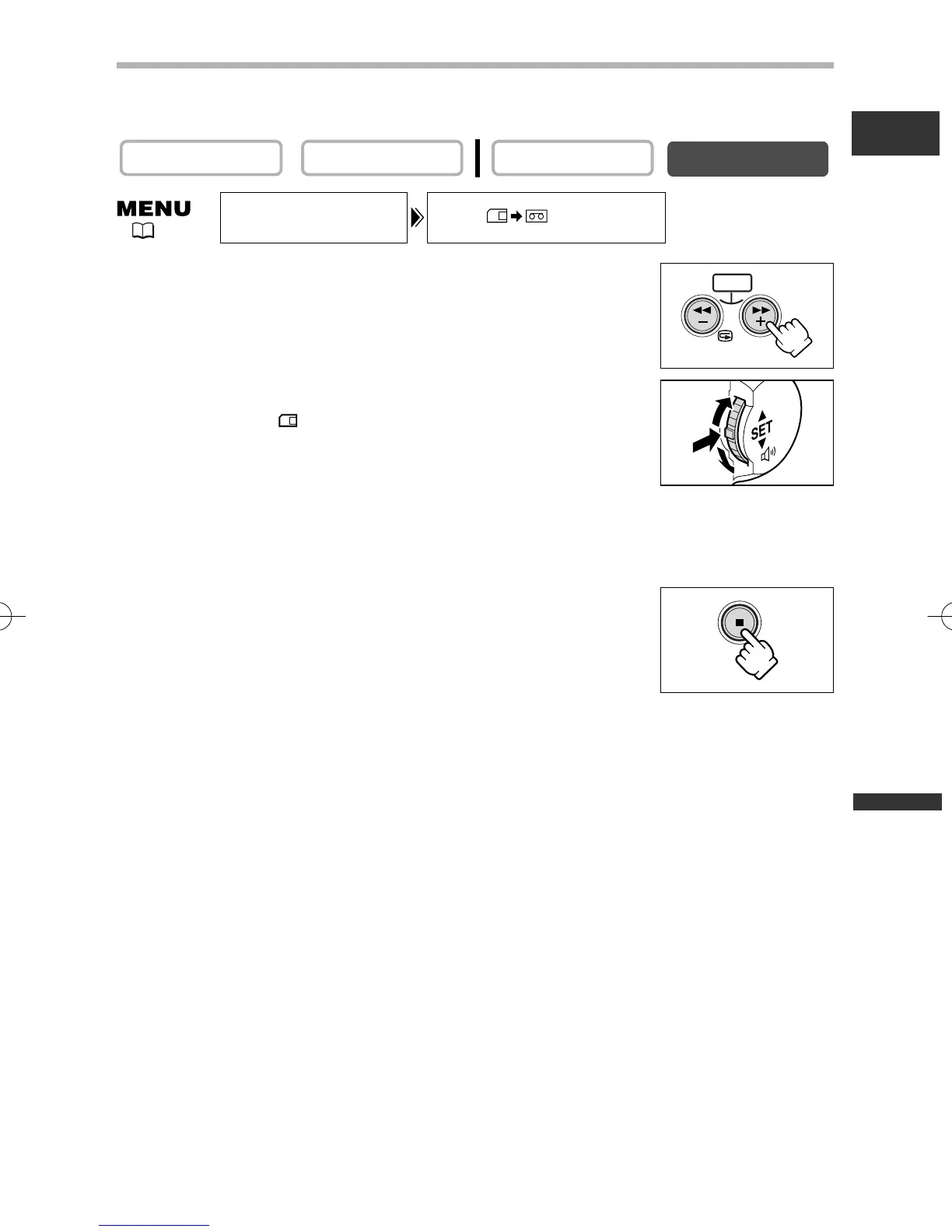
Copying Still Images from Memory Card to Tape
Load a cassette with enough free space, and insert a recorded memory card. Make
sure that the protect tab on the cassette is set to allow recording.
1. Select the first still image you wish to copy with the
CARD +/– buttons.
To copy all still images from the memory card, select the first still
image.
2. Open the menu and select [CARD OPERATIONS].
3. Select [COPY [ \ b] ].
[CANCEL] and [EXECUTE] appears.
4. Select [EXECUTE].
• “NOW COPYING” appears.
• It takes about 6 seconds per still image to be copied to the tape.
• Copying stops when all still images are copied or the tape is full.
5. Press the 3 (stop) button to end copying.
PLAY (VCR)CAMERA
COPY
CARD OPERATIONS
[ ]
CARD
( 41)
5_D76PAL_E(99-133) 26/06/03 12:15 Page 127



 To Next Page