117
Using a Memory Card
E
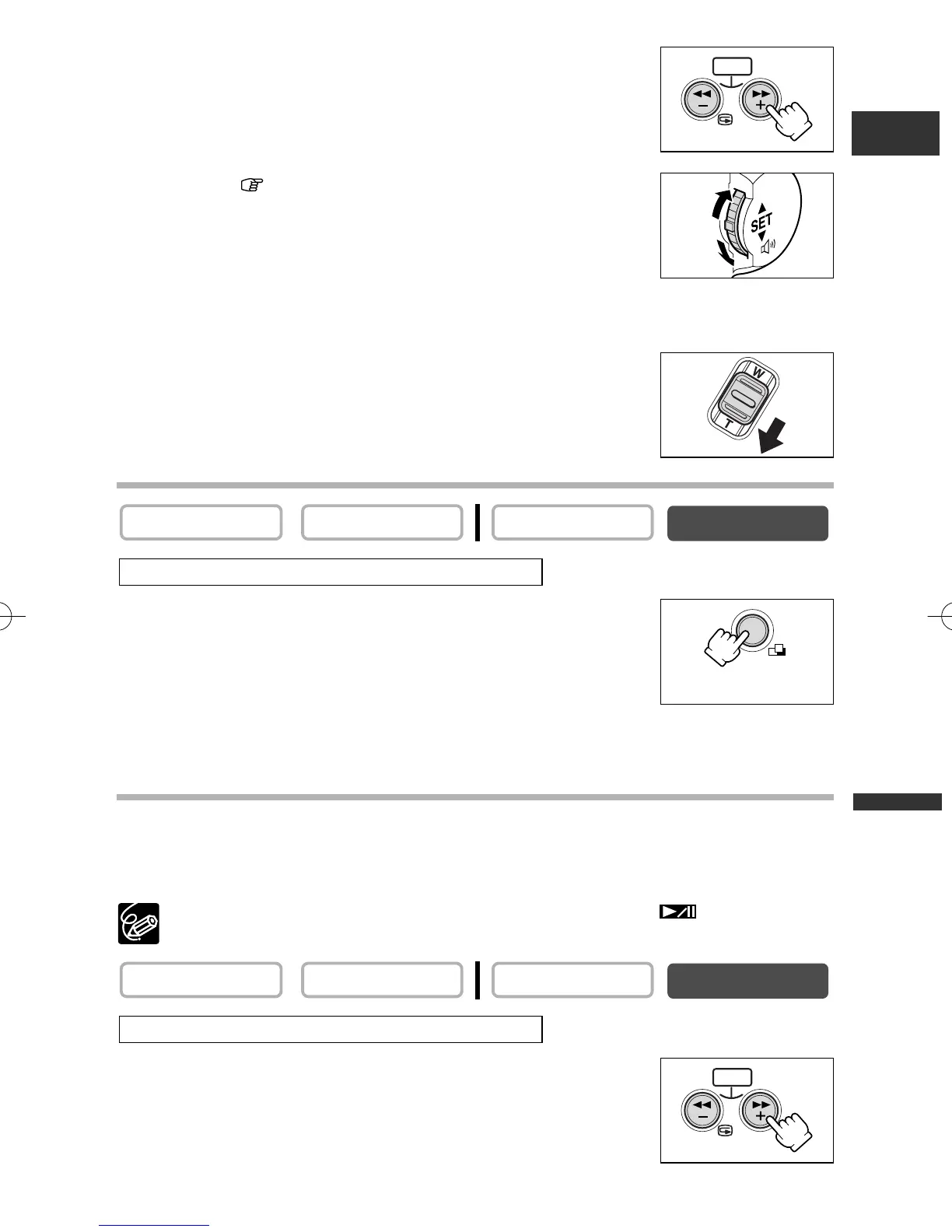
2. Press the CARD +/– button to change the image
selection.
3. Move the mark to the image you wish to view.
•Turn the selector dial up to move to the next image and down
to move to the previous image.
•Turning the selector dial up on the last image displays the next
index screen. Turning the selector dial down on the first image displays the previous
index screen.
4. Move the zoom lever toward T.
The index screen is cancelled.
Slide Show
1. Press the SLIDE SHOW button.
Images are played back one after another.
2. Press the SLIDE SHOW button to stop the slide show.
Card Jump Function
You can locate still images/movies without displaying them one by one. The number in
the upper right of the screen indicates the image number of the current image by the
total number of images.
In movie playback mode, card jump can be activated when is shown on
the lower right of the movie.
Press and hold the CARD + or CARD – button.
•Press the CARD + button to jump forward and the CARD – button
to jump backward.
• When you release the button, the still image/movie of the
displayed image number appears.
For movies, press the CARD STILL/MOVIE button.
CARD PLAY (VCR)
CARD CAMERAPLAY (VCR)CAMERA
For movies, press the CARD STILL/MOVIE button.
CARD PLAY (VCR)
CARD CAMERAPLAY (VCR)CAMERA
CARD
CARD MIX/
SLIDE SHOW
CARD
5_D76PAL_E(99-133) 26/06/03 12:15 Page 117



 To Next Page