108
Using a Memory Card
E
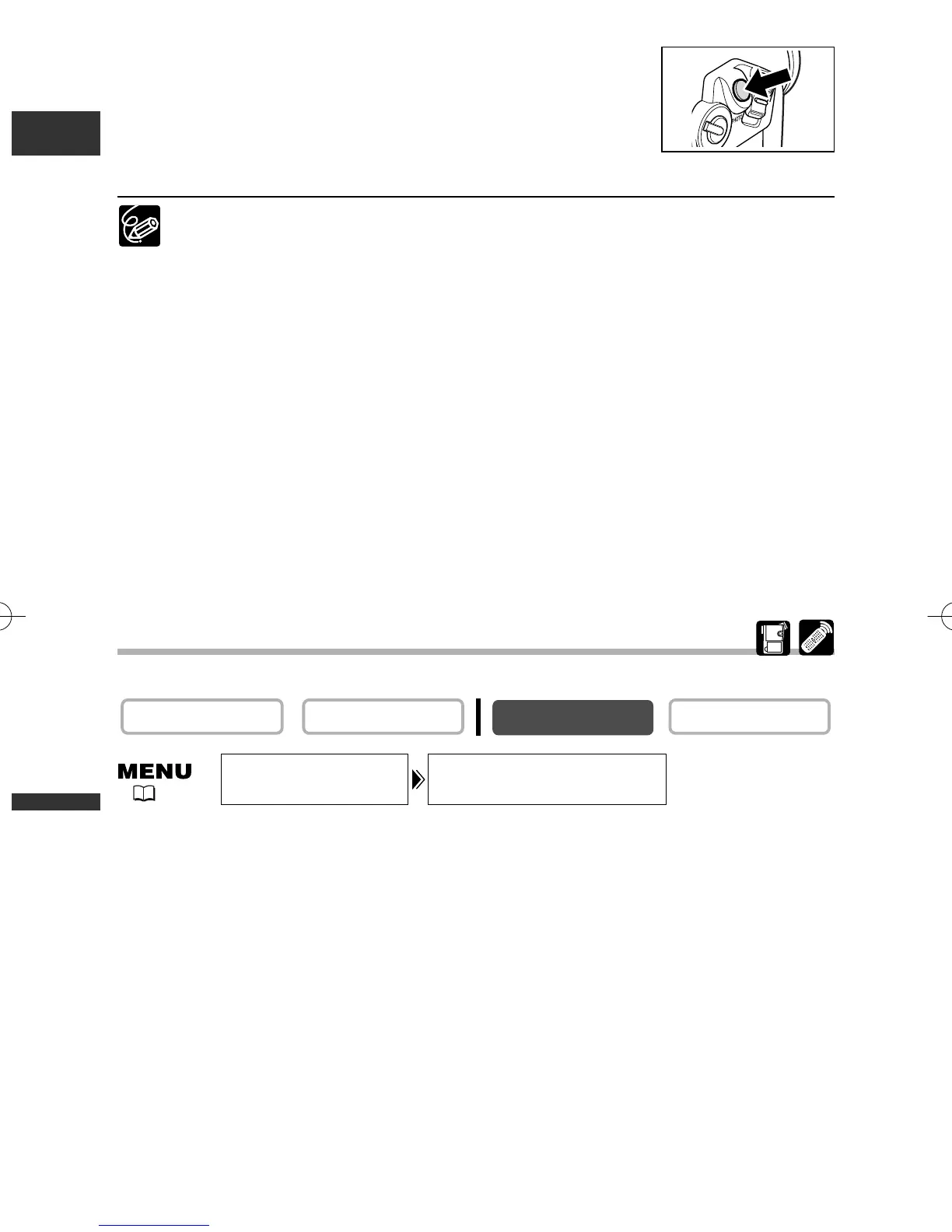
6. Press the PHOTO button fully.
• F and focusing frame disappear and you hear a shutter sound.
• The card access indicator flashes and the card access display
appears.
• The still image shown on the screen will be recorded on the memory card.
❍ If you operate the zoom lever, press the EXP button or do not press the PHOTO
button within 4 seconds, the frames other than the selected one disappear.
❍ When you press the PHOTO button fully before F and focusing frame turn
green, it may take up to 2* seconds until focus is adjusted and the still image
can be recorded to the memory card.
* Up to 4 seconds in Low Light, Night and Super Night mode.
❍ The focusing point can be selected only when Focus-Priority is set to [ON] in
CARD CAMERA mode.
❍ The focusing point returns to the centre if you turn off the camcorder, change
from CARD CAMERA mode or move the program selector to [.
❍ The focusing point cannot be selected in the following cases:
- When focusing manually.
- When using the digital zoom. When you zoom into the digital zoom range,
the focusing frame flashes for 4 seconds and disappears. When you return
to the optical zoom range, the focusing frame reappears.
-In Stitch Assist mode.
Turning Off the Focus-Priority Mode
Turn off the Focus-Priority mode if you wish to put timing ahead of focus.
Open the menu and select [CAMERA SET UP]. Select [FOCUS PRI.], set it to
[OFF] and close the menu.
PLAY (VCR)CAMERA
FOCUS PRI.•••ON
CAMERA SET UP
( 41)
5_D76PAL_E(99-133) 26/06/03 12:14 Page 108



 To Next Page