125
Using a Memory Card
E
Recording with the Card Mix Effect
Movie:
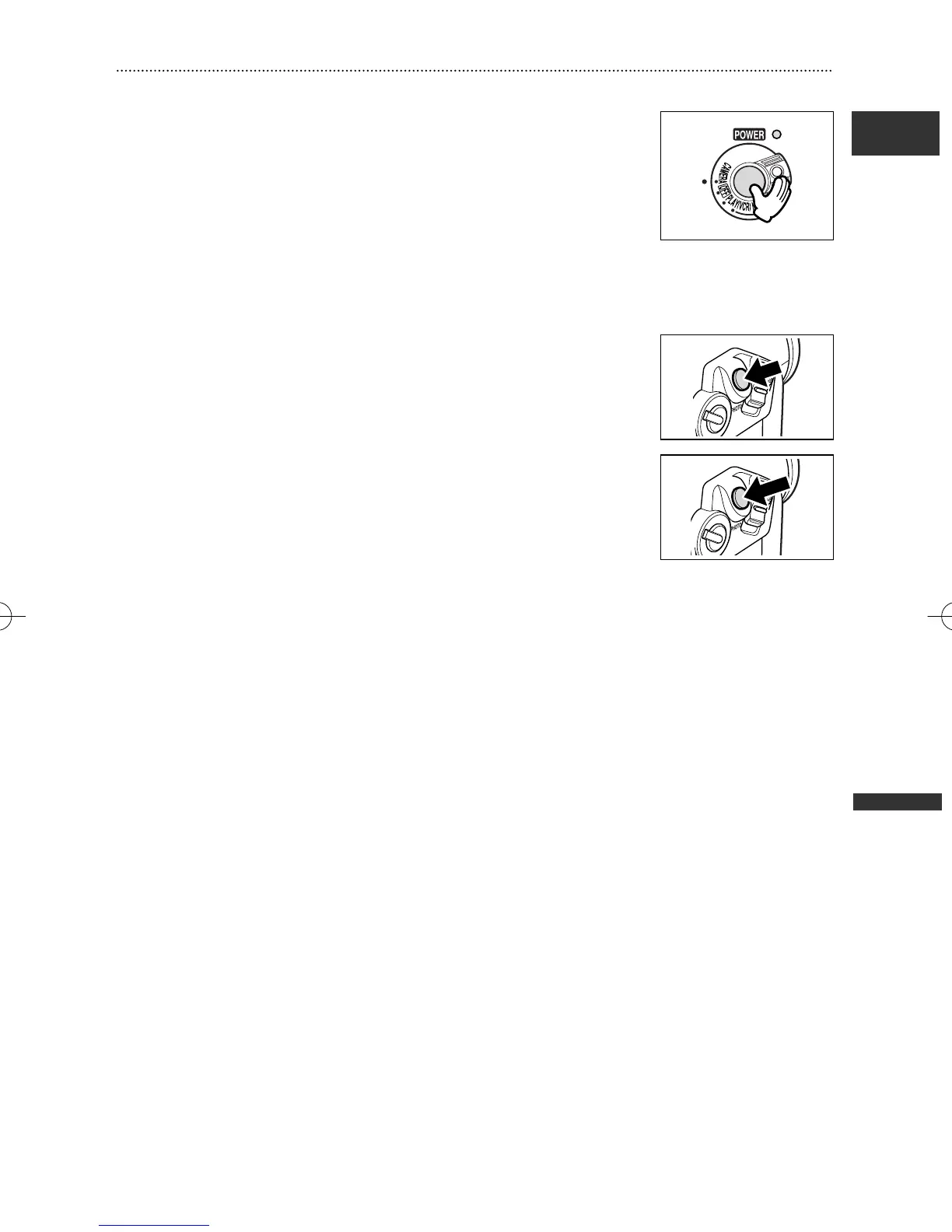
1. Press the start/stop button to begin recording.
The combined image is recorded on the tape.
2. Press the start/stop button to end recording.
Still Image:
1. Press the PHOTO button halfway.
F flashes in white and turns green when focus is adjusted.
2. Press the PHOTO button fully.
• The camcorder records the still image on the tape for approx.
6 seconds. During this time, the camcorder displays the still
image and keeps recording the sound.
• The camcorder returns to record pause mode.
5_D76PAL_E(99-133) 26/06/03 12:15 Page 125



 To Next Page