(11) paper output tray
Printed paper is ejected.
(12) paper output support
Pull out to support ejected paper.
(13) output tray extension
Open to support ejected paper.
(14) paper output cover
Open to replace the FINE cartridge or remove jammed paper inside the machine.
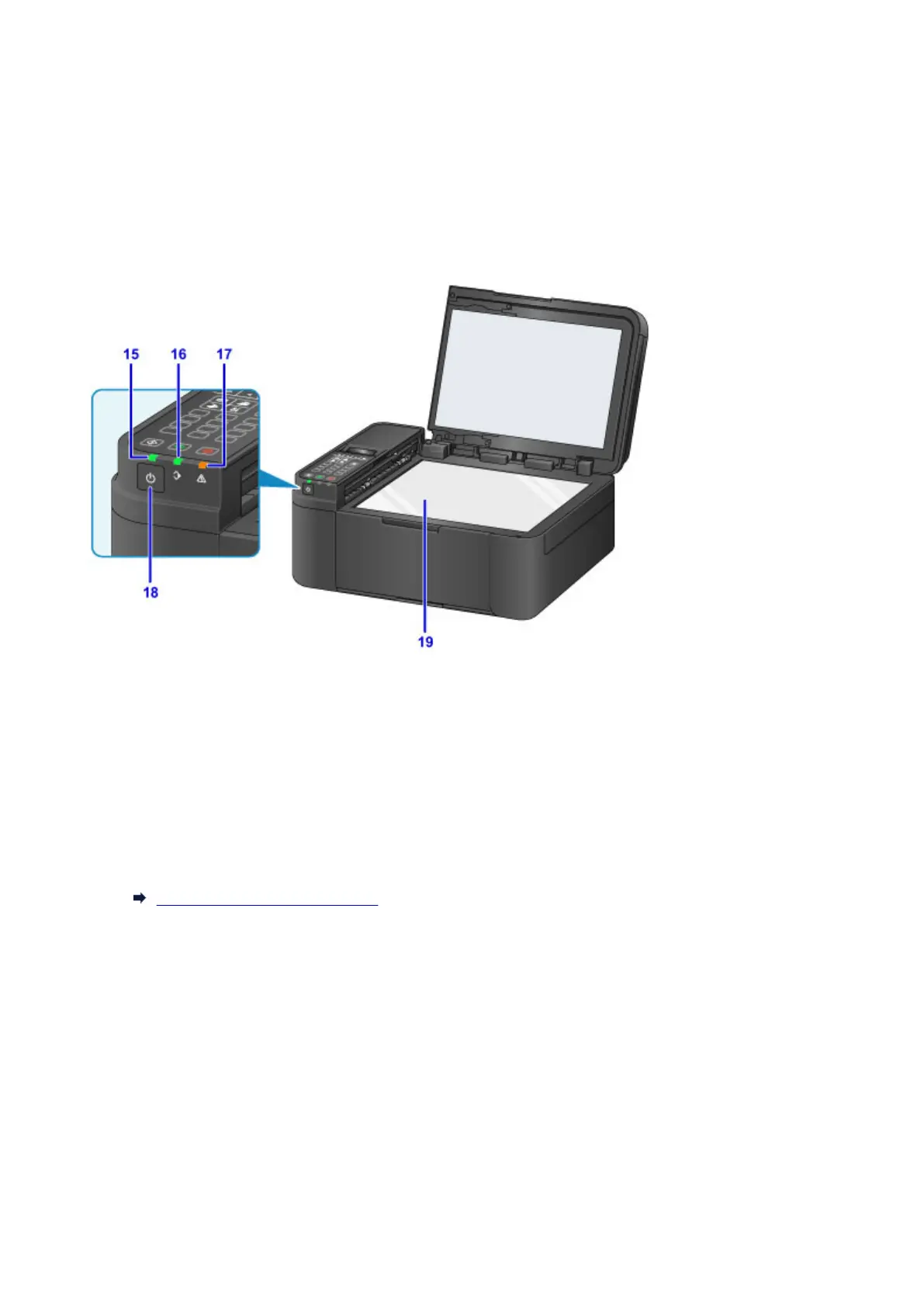
(15) POWER lamp
Lights after flashing when the power is turned on.
(16) FAX Memory lamp
Lights when there are received or unsent documents stored in the machine's memory.
(17) Alarm lamp
Lights or flashes when an error occurs.
(18) ON button
Turns the power on or off. Before turning on the power, make sure that the document cover is closed.
Turning the Machine On and Off
(19) platen glass
Load an original here.
110














 To Next Page