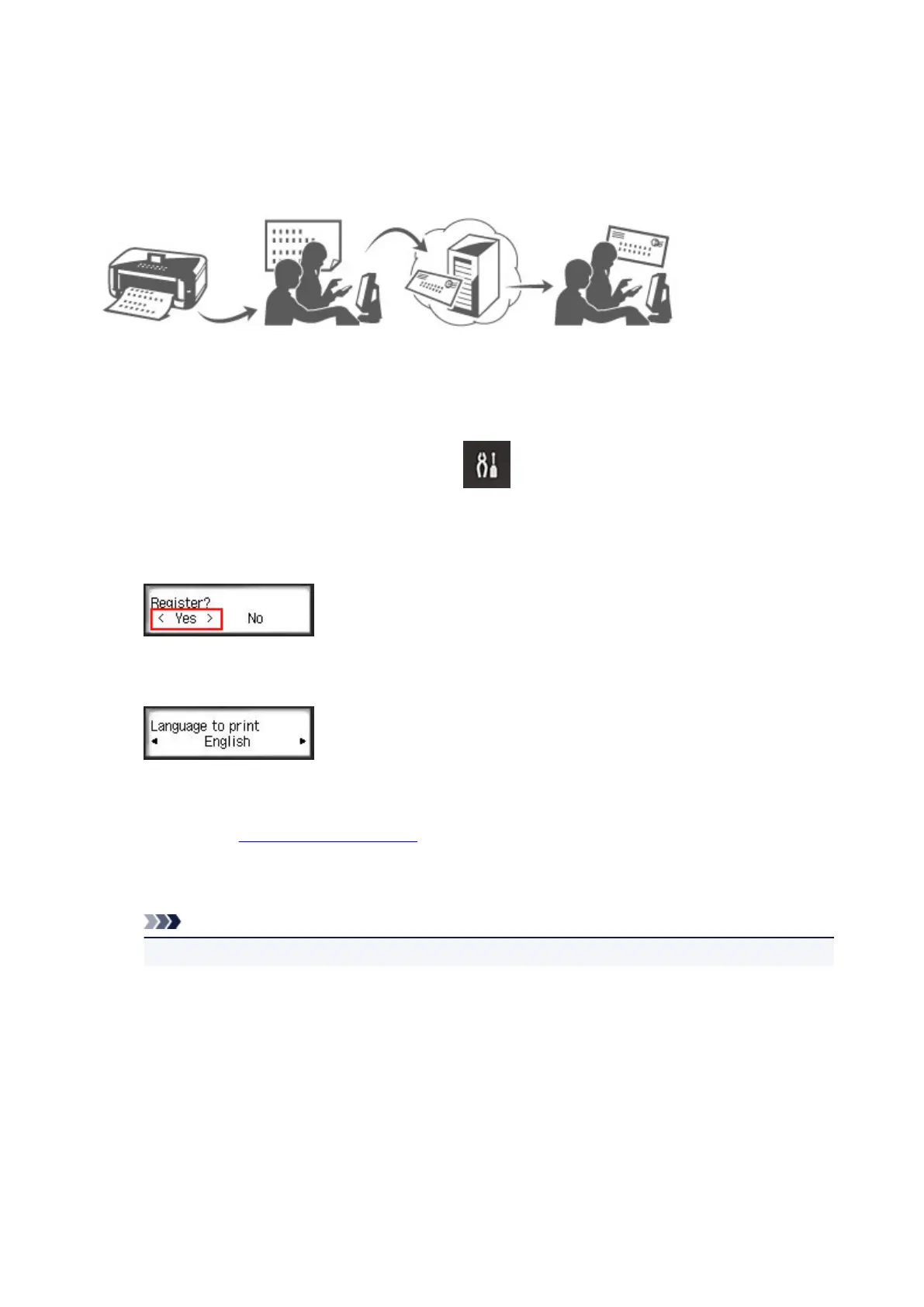
Preparations Before Using Canon Inkjet Cloud Printing Center
To use the Canon Inkjet Cloud Printing Center, you need to follow the steps described below and register
the user information.
Print registration information from the printer
1.
On the printer operation panel, select the Setup button, and then select Web
service setup -> Connection setup -> IJCloudPrintingCtr -> Register w/ service
2.
In the registration confirmation window, Select Yes
3.
In the print settings, select the display language
4.
Follow the instructions displayed in the window, and print the URL of the authentication
site and the Printer registration ID
Set A4 size or Letter size or Legal size plain paper and select OK.
The authentication URL and Printer registration ID are printed.
Note
•
You will use this printed page in the next step.
44














 To Next Page