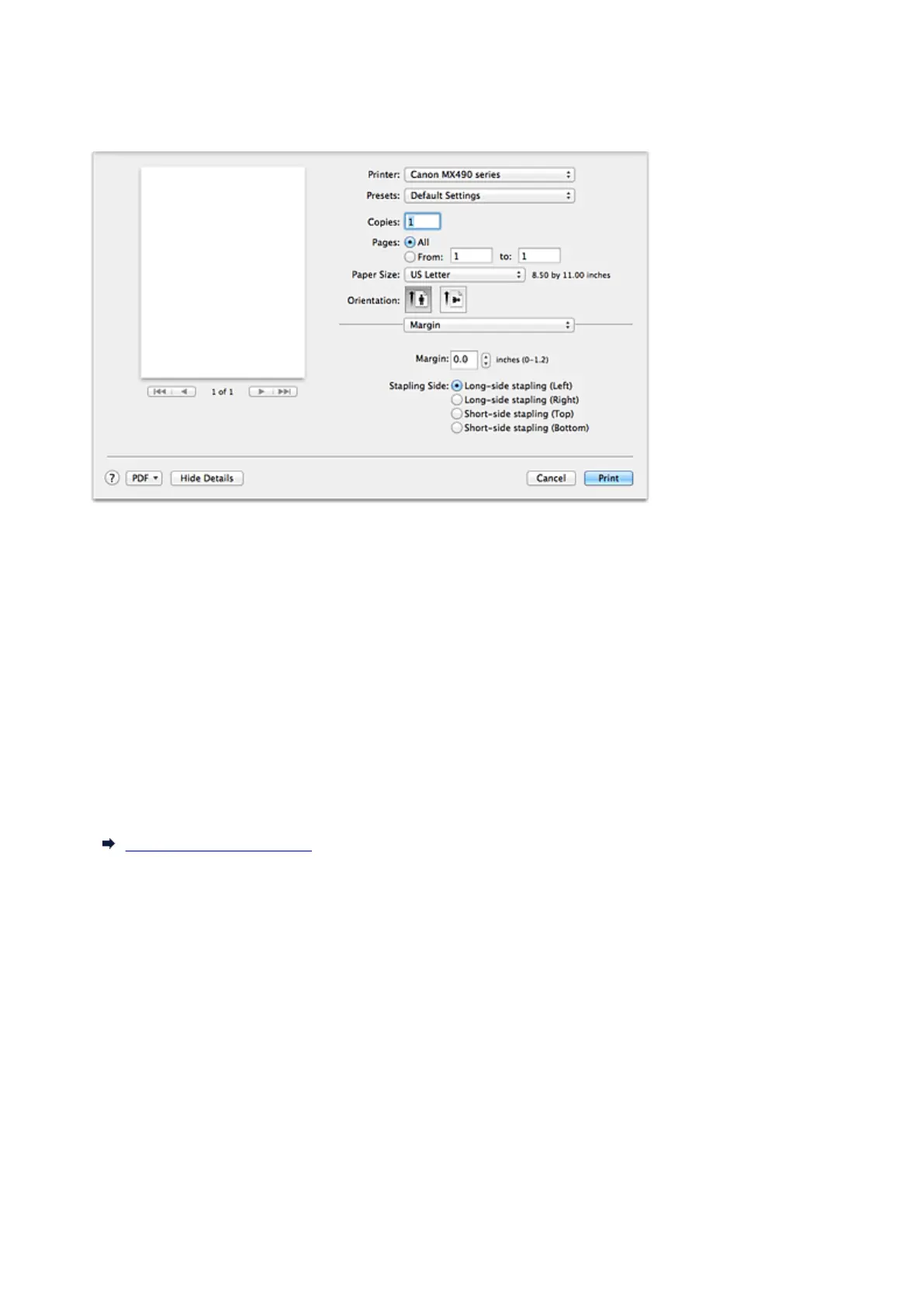
Margin
This dialog allows you to set the stapling side and amount of margin for stapling multiple sheets of paper.
Margin
Specify the amount of margin space for stapling the paper. Enter a value between 0 inch (0 mm) to 1.2
inches (30 mm).
Stapling Side
Specify the stapling side.
Long-side stapling (Left) / Long-side stapling (Right)
Select this option to staple the long side of the paper.
Choose left or right.
Short-side stapling (Top) / Short-side stapling (Bottom)
Select this option to staple the short side of the paper.
Choose top or bottom.
Related Topic
Setting the Stapling Margin
335














 To Next Page