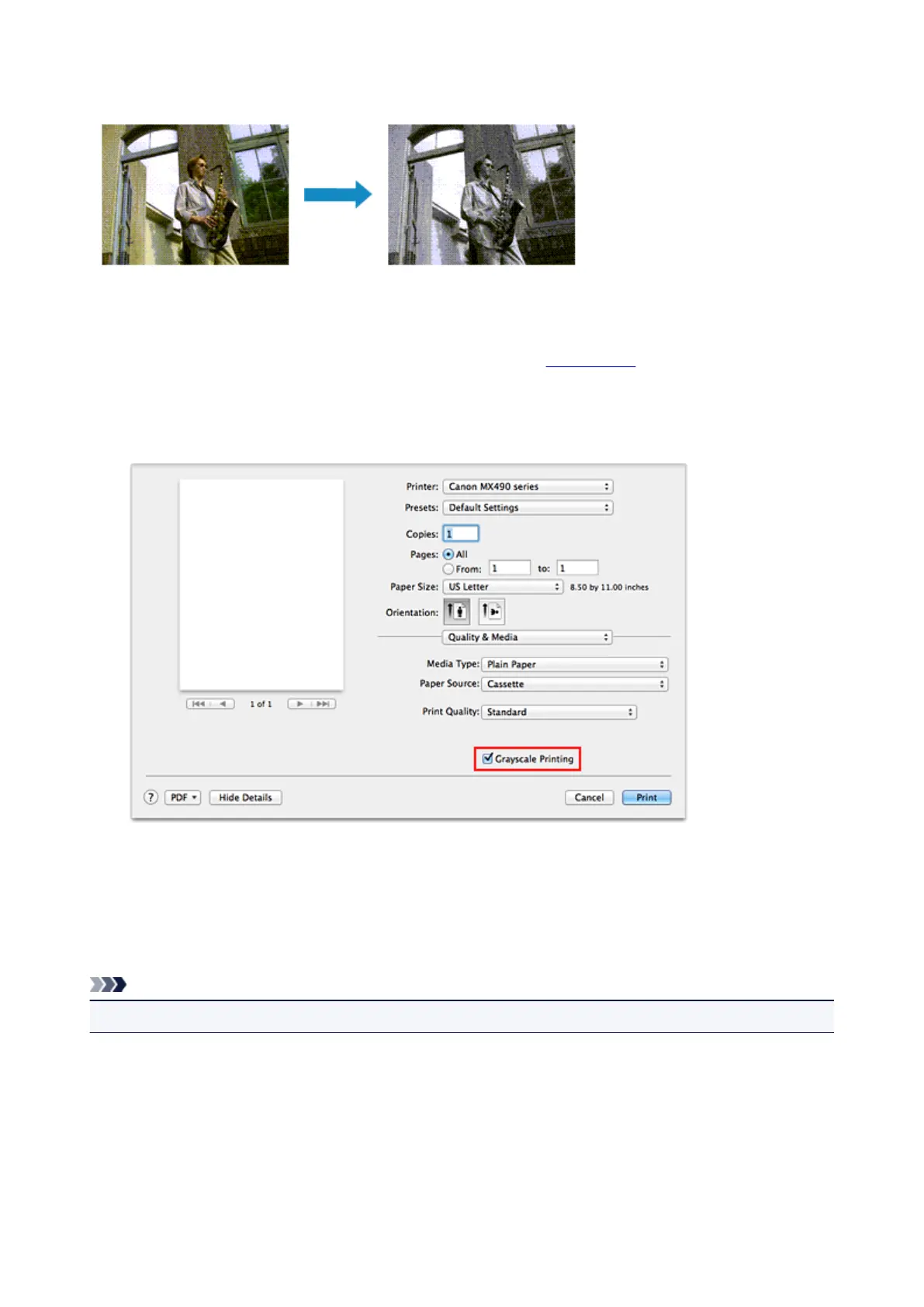
Printing a Color Document in Monochrome
The procedure for printing a color document in monochrome is as follows:
1.
Select Quality & Media from the pop-up menu on the Print Dialog
2.
Set grayscale printing
Check the Grayscale Printing check box.
3.
Complete the setup
Click Print.
When you execute print, the document is converted to grayscale data. It allows you to print the color
document in monochrome.
Note
• During Grayscale Printing, inks other than black ink may be used as well.
308














 To Next Page