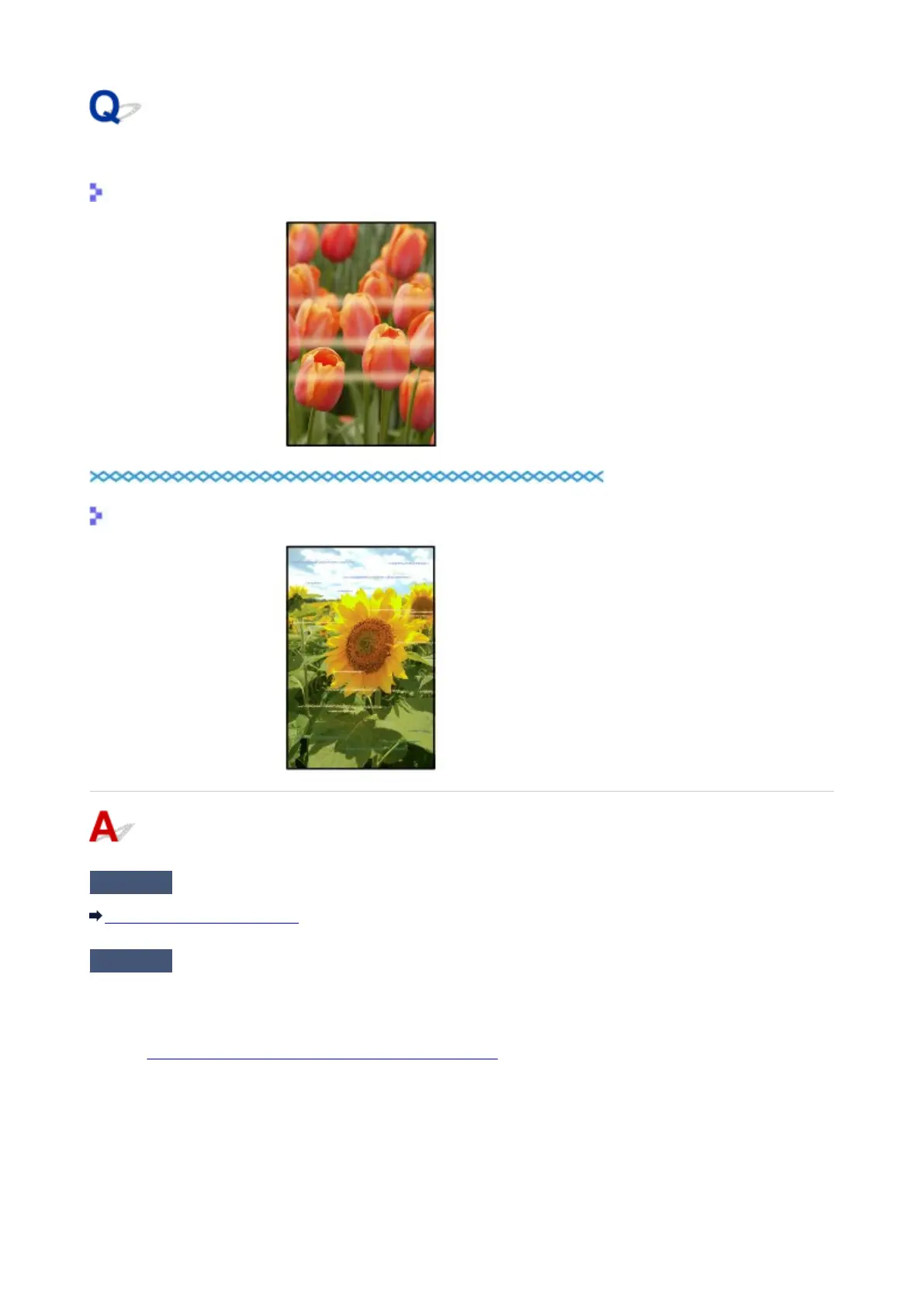
Colors Are Uneven or Streaked
Colors Are Uneven
Colors Are Streaked
Check1
Did you confirm the paper and print quality settings?
Print Results Not Satisfactory
Check2
Print the Nozzle Check Pattern and perform any necessary maintenance
operations such as Print Head Cleaning.
Print the Nozzle Check Pattern to determine whether the ink ejects properly from the print head nozzles.
Refer to When Printing Becomes Faint or Colors Are Incorrect for the Nozzle Check Pattern printing, Print Head
Cleaning, and Print Head Deep Cleaning.
•
If the Nozzle Check Pattern is not printed correctly:
After performing the Print Head Cleaning, print the Nozzle Check Pattern and examine the pattern.
• If the problem is not resolved after performing the Print Head Cleaning twice:
Perform the Print Head Deep Cleaning.
623














 To Next Page