Using PIXMA Cloud Link
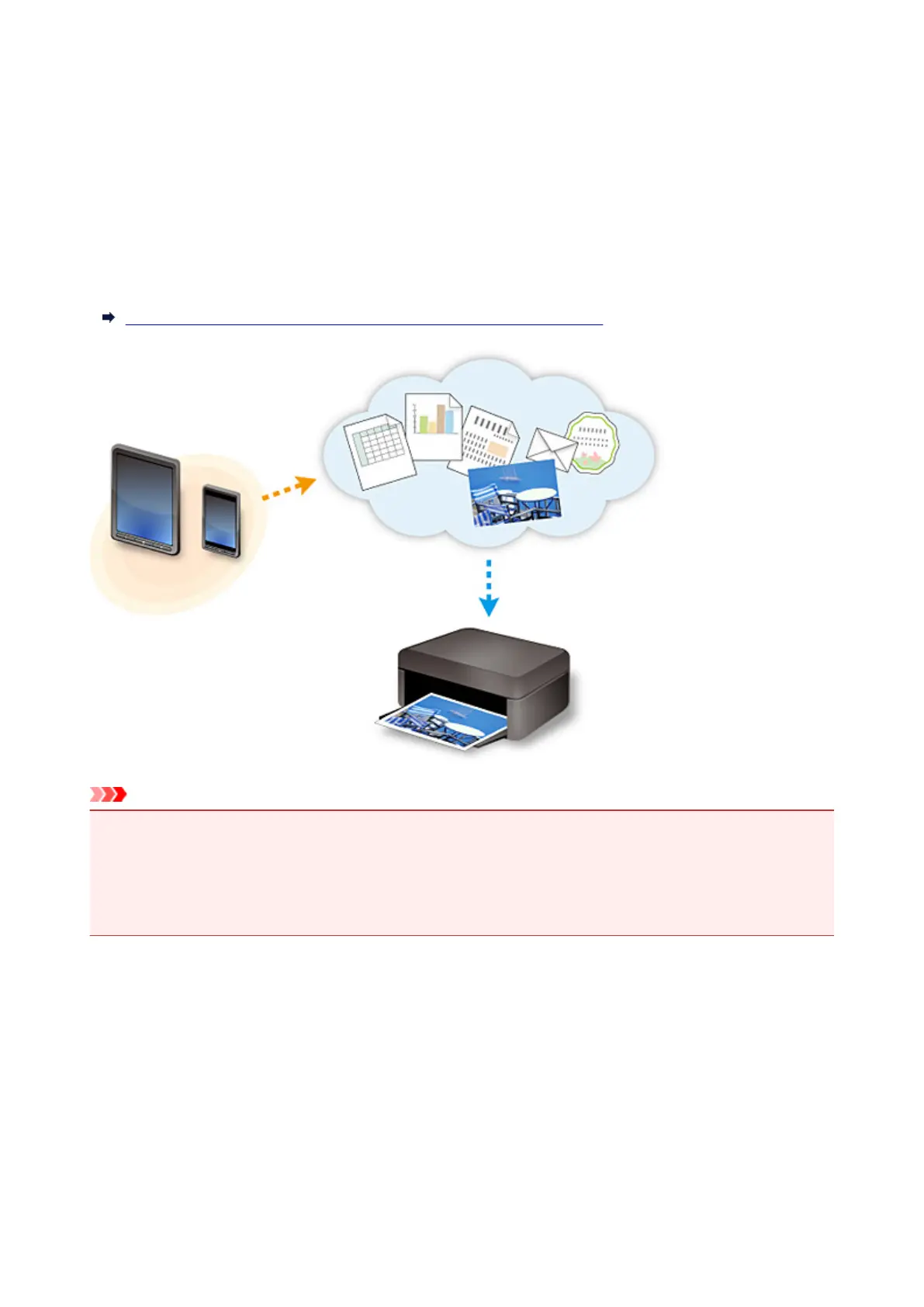
By using PIXMA Cloud Link, you can connect your printer to a cloud service, such as CANON iMAGE
GATEWAY, Evernote, or Twitter, and use the following functions without using a computer:
• Print images from a photo-sharing service
• Print documents from a data management service
• Use Twitter to report the printer status, such as no paper or low ink levels.
In addition, you can use various functions by adding and registering apps that are linked with various cloud
services.
Using PIXMA Cloud Link from Your Smartphone, Tablet, or Computer
Important
• In certain countries, PIXMA Cloud Link may not be available or the available apps may be different.
• Some apps require that you have an account before you use those apps. For such apps, please set up
an account beforehand.
• To find out which models support PIXMA Cloud Link check the Canon homepage.
• The screen display may change without prior notice.
40














 To Next Page