Using the Card Slot over a Network
Note
• This function is not available depending on the printer you are using. To confirm whether this function is
available with your printer, refer to List of Function for Each Model.
Mounting the Card Slot as the Network Drive
Restrictions on Card Slot Use over a Network
Mounting the Card Slot as the Network Drive
The card slot must be mounted to use it over a network.
To mount the card slot as the network drive, follow the procedure below.
1.
Insert a memory card into the card slot of the machine.
2.
Check the current printer name.
You can check the current printer name on the LCD of the printer.
3.
On Finder, click the Go menu and Connect to Server.
4.
Input "smb://xxxxxxxxxxxx/canon_memory/", then click Connect.
For example, if the current printer name is "123ABC000000", then input "smb://123ABC000000/
canon_memory/".
5.
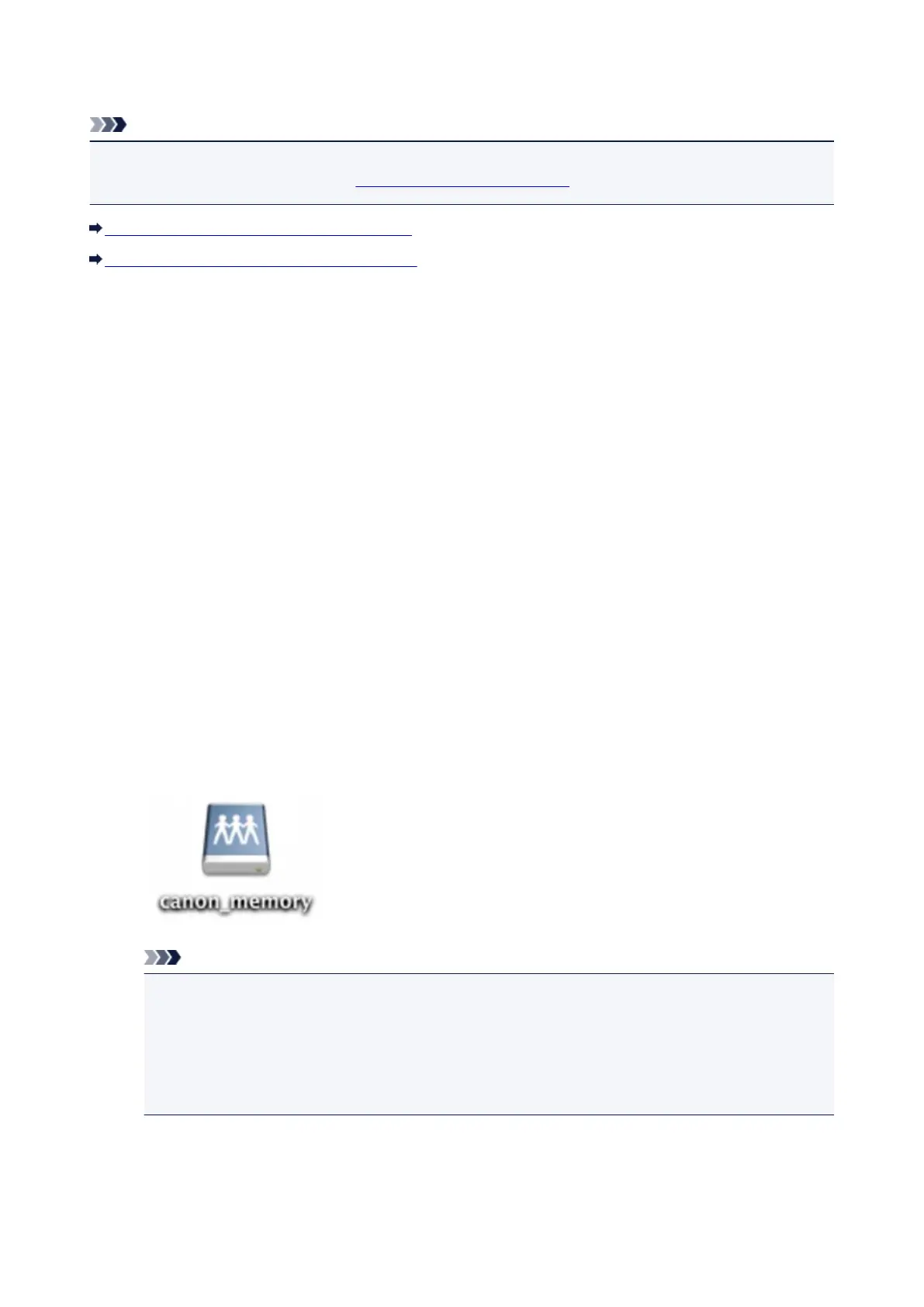
Make sure that the card slot is mounted.
When the card slot is mounted, the following icon appears on the desktop or in the Computer window
on the Go menu of Finder.
Note
•
The authentication screen may appear. If it appears, you do not need to input the password.
•
If you cannot mount the card slot with the method above, input the IP address of the machine
instead of the current printer name, and try again. For example, "smb://192.168.1.1/
canon_memory/". If you mount the card slot with the IP address, you have to remount it
whenever the machine's IP address changes.
Restrictions on Card Slot Use over a Network
• You cannot write data to a memory card in the card slot over a network. You can only read data from
a memory card.
253














 To Next Page