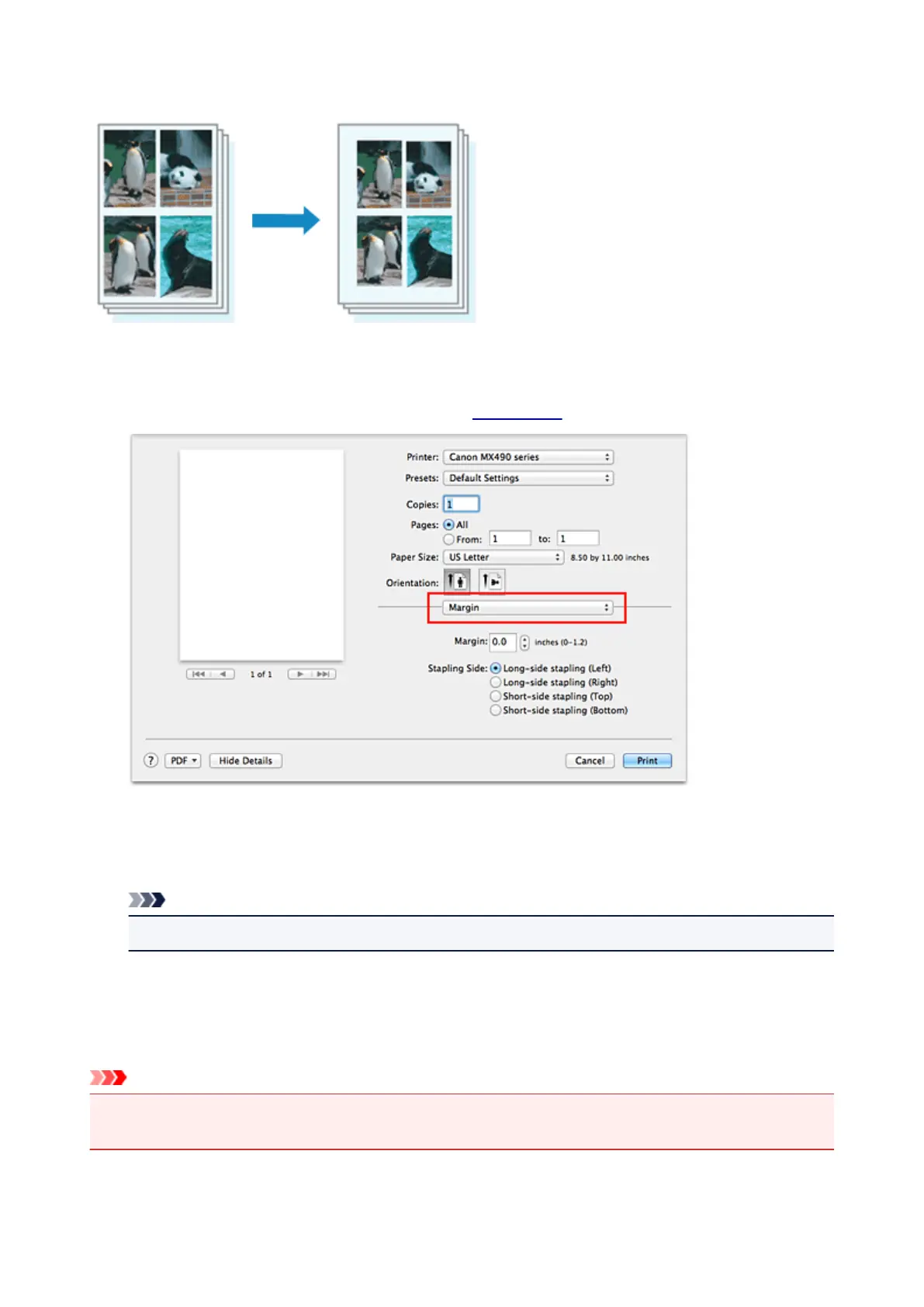
Setting the Stapling Margin
The procedure for setting the margin width and the staple side is as follows:
1.
Select Margin from the pop-up menu on the Print Dialog
2.
Set the margin width and the staple side
If necessary, set the Margin width, and select a stapling position from the Stapling Side list.
Note
•
The printer automatically reduces the print area depending on the staple position margin.
3.
Complete the setup
Click Print.
When you execute print, the data is printed with the specified margin width and staple side.
Important
• When borderless printing is enabled, Margin and Stapling Side appear grayed out and are
unavailable.
295














 To Next Page