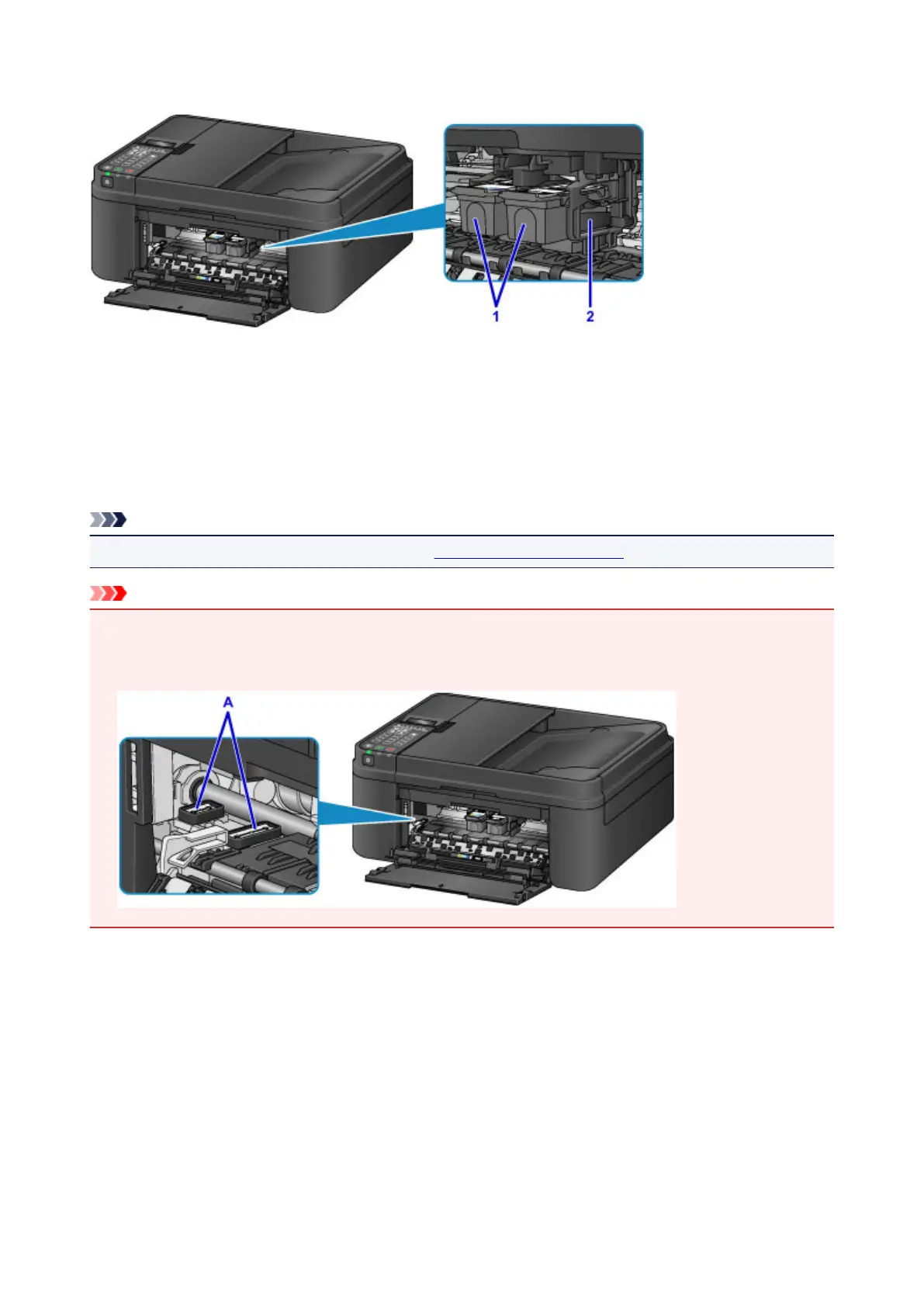
Inside View
(1) FINE cartridge (ink cartridges)
A replaceable cartridge that integrates print head and ink tank.
(2) FINE cartridge holder
Install the FINE cartridges here.
The color FINE cartridge should be installed into the left slot and the black FINE cartridge should be
installed into the right slot.
Note
• For details on replacing a FINE cartridge, see Replacing a FINE Cartridge.
Important
• The area around the parts (A) may be splattered with ink. This does not affect the performance of the
machine.
• Do not touch the parts (A). The machine may not print properly if you touch them.
112














 To Next Page