About Quiet setting
Enables this function on the machine if you want to reduce the operating noise, such as when printing at
night. In addition, you can specify the time range to reduce the operating noise.
Important
• Set the current date and time in advance.
Setting the Sender Information
Follow the procedure below to perform setting.
1.
Make sure that the machine is turned on.
2.
Press the Setup button.
The Setup menu screen is displayed.
3.
Use the button to select Quiet setting, then press the OK button.
4.
Use the button to select ON or Use in specified hrs, then press the OK button.
• When ON is selected:
You can reduce the operating noise while printing is in progress.
• When Use in specified hrs is selected:
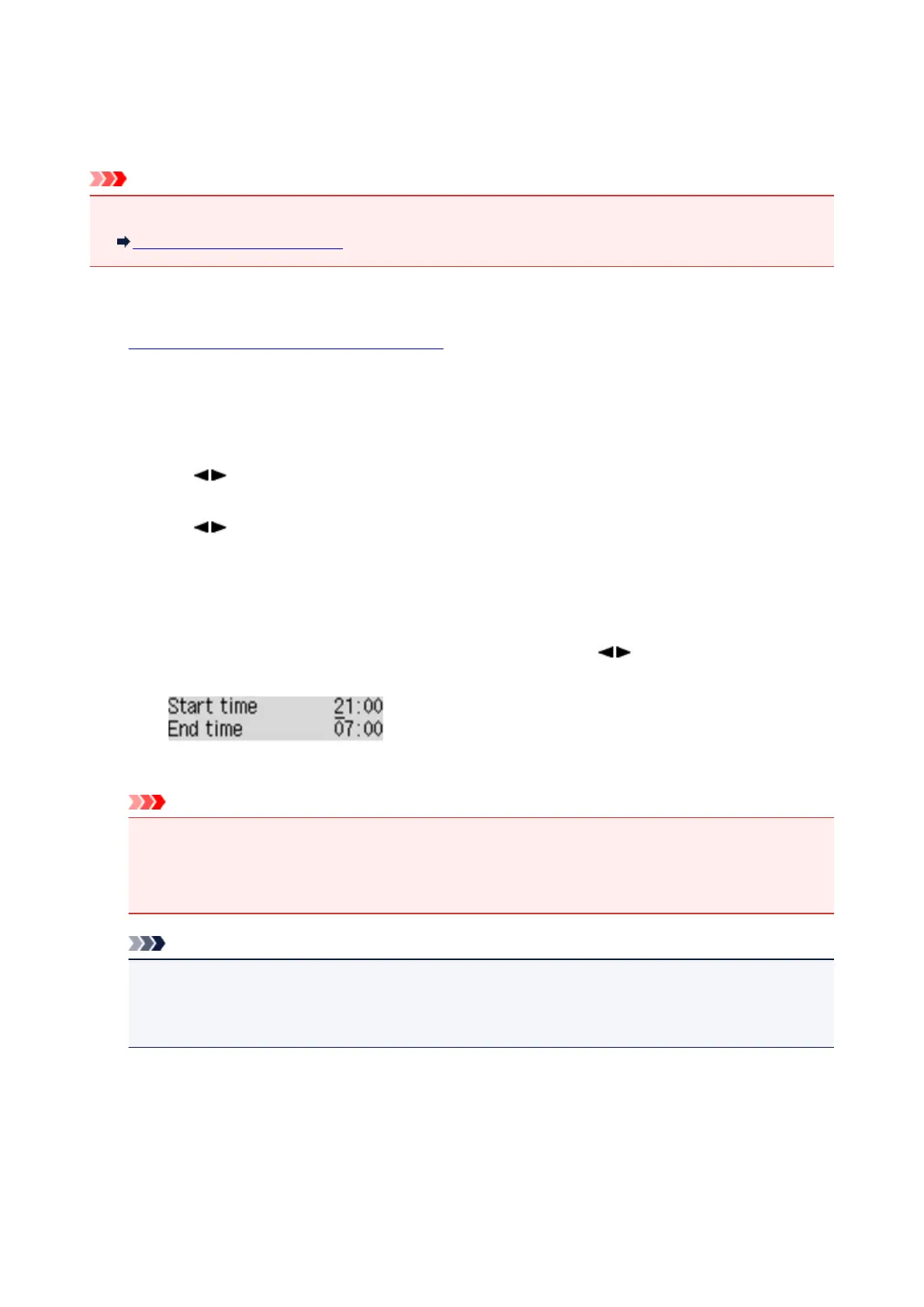
The screen to specify starting/ending time is displayed. Use the
button to move the cursor
under the desired position, use the Numeric buttons to enter the time, then press the OK button.
You can reduce the operating noise during the specified time.
Important
• Operating speed may be reduced compared to when OFF is selected.
•
This function may not be so effective depending on the machine's setting. Furthermore, certain
noise, such as when the machine is preparing for printing, is not reduced.
Note
•
You can set the quiet mode from the operation panel of the machine or the printer driver. No
matter how you set the quiet mode, the mode is applied when you perform operations from the
operation panel of the machine or printing and scanning from the computer.
218














 To Next Page