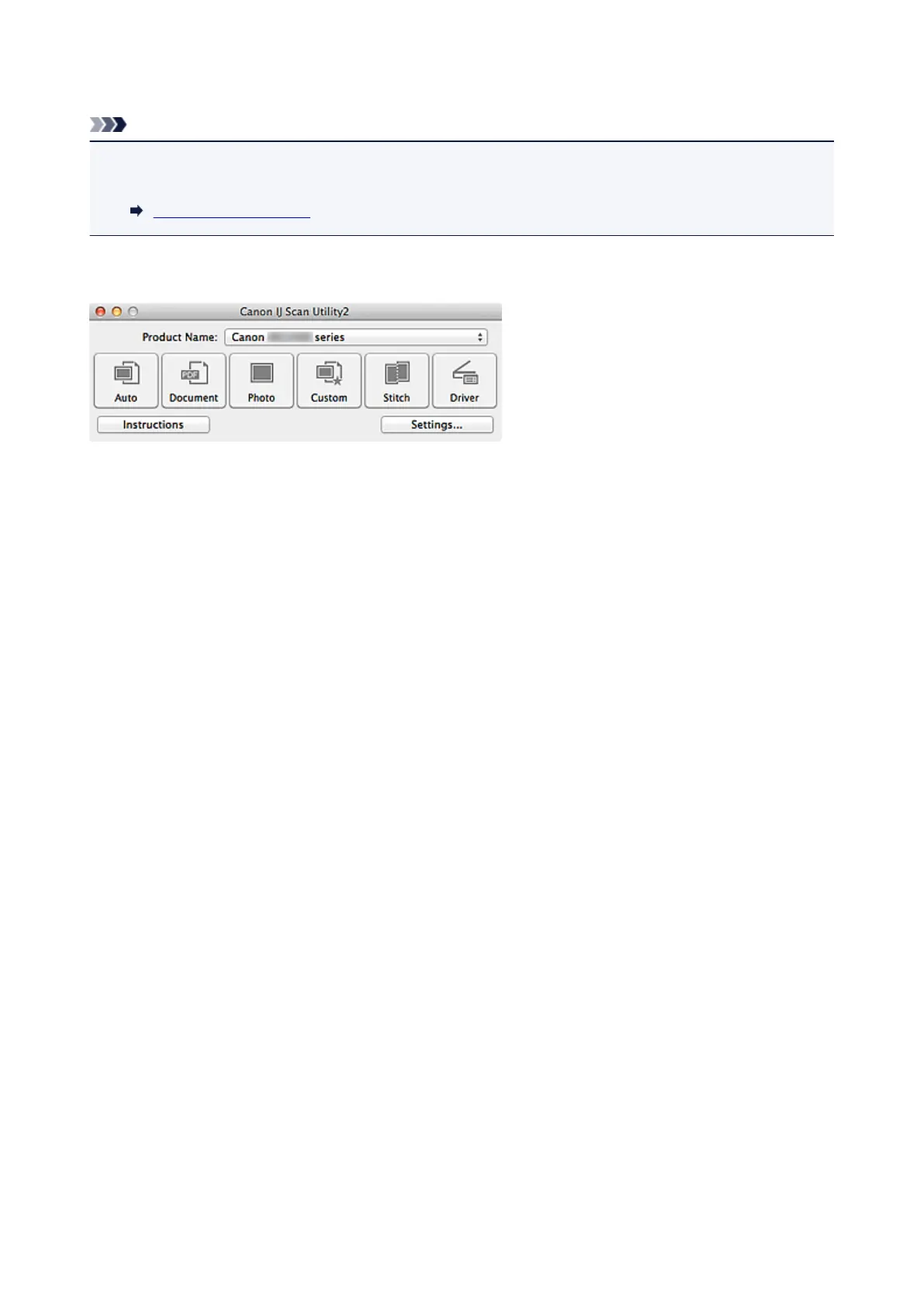
Starting IJ Scan Utility
Note
• If you have more than one scanner or have changed the connection from USB connection to network
connection, set up the network environment from IJ Scan Utility.
Network Scan Settings
From the Go menu of Finder, select Applications, then double-click the Canon Utilities folder, IJ Scan
Utility folder, and then Canon IJ Scan Utility2 icon to start IJ Scan Utility.
376














 To Next Page